Data Handling
AI tool privacy and data handling
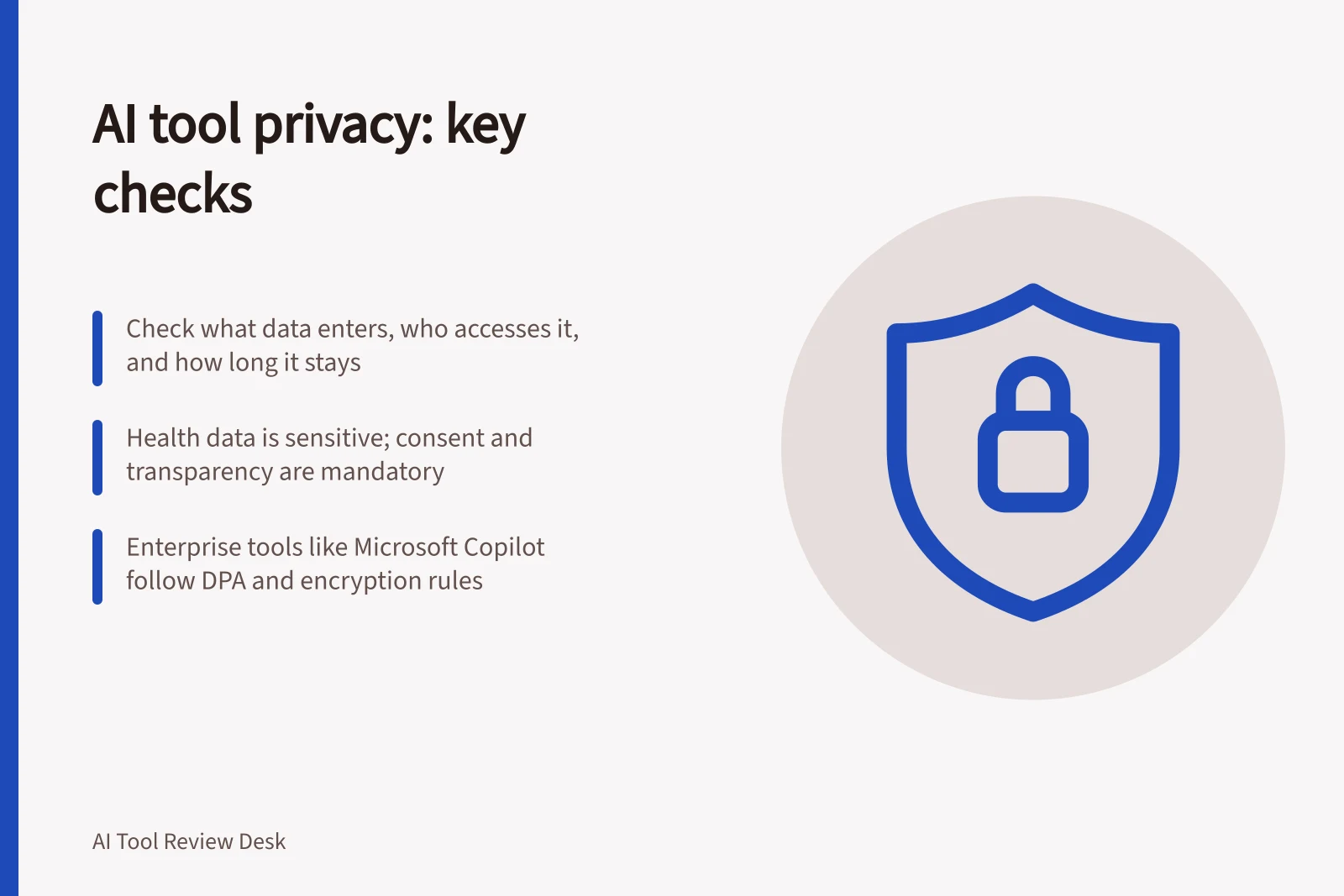
Check what enters an AI tool, who can access it, how long it may remain and whether it can be used for training before approving business use.
Before an Australian business supplies information to an AI tool, check what the task sends, who can access it, how long it may remain and whether the provider may use it to improve models. Decide for the specific product, account and feature. A provider-wide privacy statement cannot settle every upload, connected app or sharing choice.
The Privacy Act baseline
An OAIC spokesperson says the Privacy Act applies to any personal information entered into an AI tool and to outputs generated or inferred by AI. The Australian Privacy Principles (APPs) in Schedule 1 of the Privacy Act 1988 (Cth) regulate how personal information may be handled.
The same OAIC spokesperson advises healthcare providers adopting an AI product to take a privacy by design approach. They should conduct due diligence to ensure it suits the intended use case.
Follow the information
List the prompts, files and connected sources the task needs. Trace saved chats, generated files, shared outputs and any action sent to another service. Include personal information an output might generate or infer, not only information supplied in a prompt.
Question / Evidence to obtain
- What enters the tool?
- The actual prompts, files, connections and task data
- Who can reach it?
- User, administrator, document and sharing permissions
- How long may it remain?
- Rules for chats, files, projects, compliance records and deletion
- Can it improve models?
- The training terms and controls for this account and feature
- What leaves the tool?
- Output sharing, exports and third-party actions
AI Tool Data Handling: Key Considerations Across Providers
- What enters the tool?
- Prompts, files, connected sources, task data
- Who can access it?
- User, administrator, document and sharing permissions
- How long may it remain?
- Chats, files, projects, compliance records, deletion rules
- Can it improve models?
- Training terms and controls for account and feature
- What leaves the tool?
- Output sharing, exports, third-party actions
Sensitive information and health data
All health information is sensitive information under the Australian Privacy Act 1988. By November 2025, two in five Australian GPs used AI scribes, up from 22% in August 2024, according to the Royal Australian College of General Practitioners (RACGP).
For doctors using AI tools, requirements include informed consent before an AI tool collects health information. The practice's privacy policy must be transparent about AI use, including whether patient data could be used for secondary purposes like model training.
Doctors remain responsible for the accuracy of health information collected or generated by AI. They must take reasonable steps to protect patient information and remain accountable for breaches.
Additional state and territory laws may apply. In some Australian jurisdictions, recording a private conversation without consent is a criminal offence.
Make separate decisions
A no-training commitment does not say when a file is deleted. A retention setting does not determine who can open a shared conversation. A workspace role may govern administration, while underlying document permissions determine what an AI feature can retrieve.
Microsoft says customer data in its organisational Copilot offerings is not used to train foundation models. It says Copilot respects the identity model and permissions and follows administrative settings. Neither statement approves a particular business file or configuration.
Enterprise terms and controls
Microsoft says organisational use of Microsoft Copilot and Microsoft Copilot Chat is covered by the Microsoft Products and Services Data Protection Addendum (DPA) and Microsoft Product Terms, with Microsoft as data processor. Enterprise data protection (EDP) refers to controls and commitments under the DPA and Product Terms that apply to customer data. Prompts and responses receive the same contractual terms as Exchange emails and SharePoint files.
Under EDP, Microsoft says it encrypts data at rest and in transit, applies physical security controls and isolates tenants. It says it will not use customer data except as instructed. Its privacy commitments include support for the General Data Protection Regulation (GDPR), the EU Data Boundary, ISO/IEC 27018 and the DPA.
Microsoft also says Copilot respects the identity model and permissions, inherits sensitivity labels, applies retention policies, supports audit of interactions and follows administrative settings. Specific controls and policies vary by underlying subscription plan.
Enterprise AI Data Protection: Microsoft Copilot vs OpenAI
- Microsoft Copilot – ProsNo model training on customer data; encrypts data at rest and in transit; supports GDPR, ISO/IEC 27018, DPA; respects identity model and permissions
- Microsoft Copilot – ConsControls vary by subscription plan; not all features available in all tiers
- OpenAI – ProsBusiness Data Processing Agreement available; offers enterprise-level privacy controls
- OpenAI – ConsDefault data usage policy allows training unless explicitly disabled; retention policies depend on user settings
Set the business boundary
Record which data classes each task may use and who owns that decision. An initial exercise can use invented or otherwise authorised, non-sensitive material. If the live task requires confidential or personal information, review the actual account, agreement, permissions and retention route before supplying it.
Give staff a way to stop when an input falls outside the approved boundary. Recheck the decision when a feature, integration, plan or sharing setting changes.
Pre-Use Checklist for AI Tools in Australian Businesses
- Identify data classes allowed per taskRecord approved data types and ownership
- Use non-sensitive test data firstValidate configurations before live use
- Establish staff stop mechanismAllow immediate halt if input exceeds boundary
- Reassess when settings changeReview after feature, integration or plan updates
Overseas transfers and addendums
A task may involve an overseas provider, cloud host or offshore access. Include the transfer route and any associated addendum in the data-flow review.
In this guide
- Reviewing retention settings before uploading business filesTrace chats, uploaded files, projects and compliance copies before deciding whether a business file may enter an AI tool.
- Check whether an AI vendor uses submitted data for trainingFind the training rule for the precise AI product, account and feature, including prompts, files, feedback and connected services.
- Keeping confidential data out of a public tool trialSet an input boundary, prepare fictional examples and check every upload route before trialling a public AI tool.