Data Handling
Part of AI customer-facing assistants
Reviewing conversation logs without exposing customer data
Use aggregate patterns, limited access and carefully prepared excerpts to review AI assistant conversations while reducing customer-data exposure.
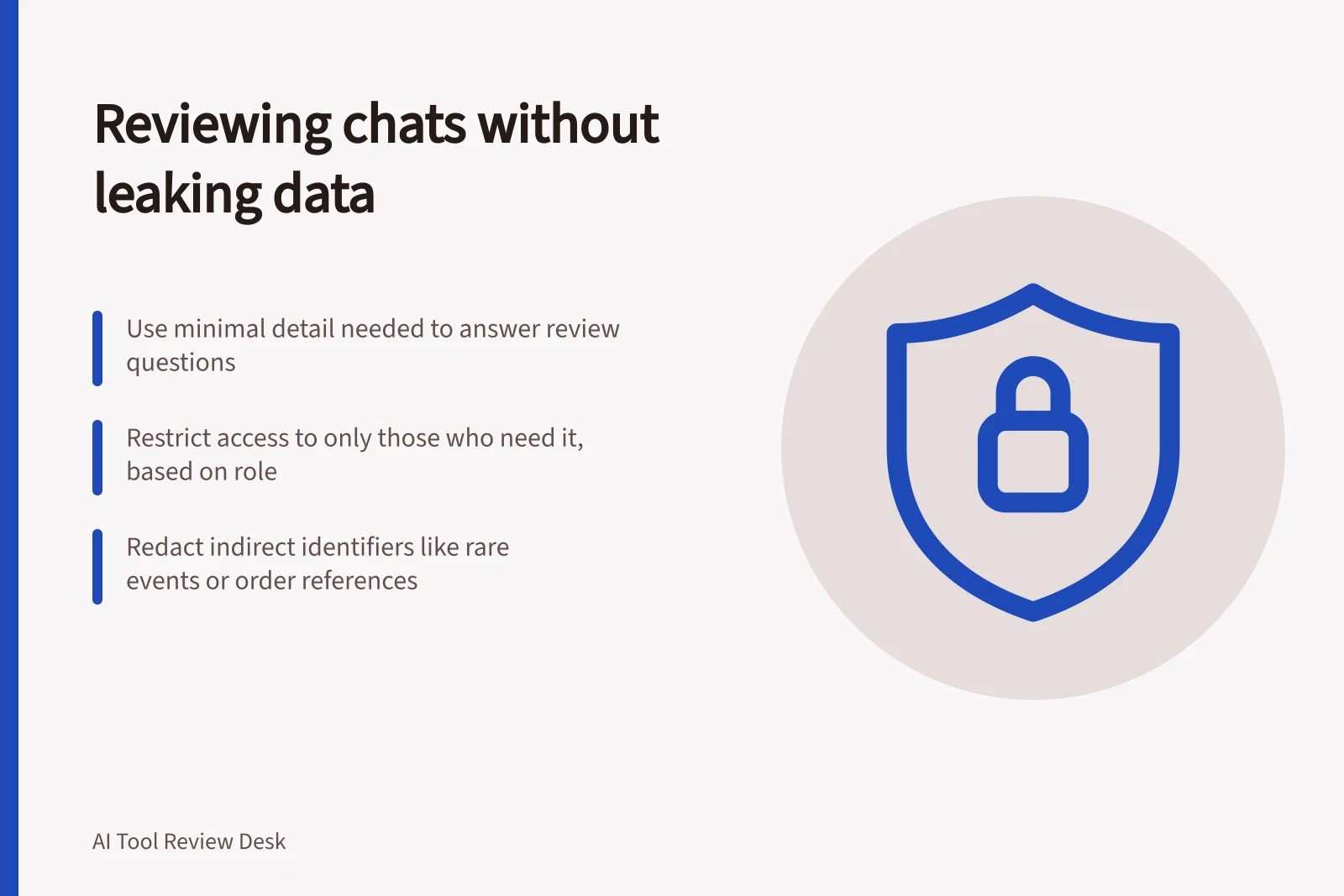
Review assistant conversations using the least detail that answers the review question. Start with status and topic patterns. Then let a small authorised group inspect only the messages needed to diagnose a failure. A transcript with names removed may still identify a customer through its events or details.
Match access to the review task
A service owner may need counts of unanswered topics and failed transfers. A knowledge editor may need a question and the assistant's reply to correct an article. A case owner may need the full conversation to help that customer. Give each role access for its task; use an excerpt or structured error label when the full record adds nothing.
Zendesk's AI-agent logs can be filtered by attributes such as time, status and language, then opened to inspect messages and actions. Voice-agent logs can include a call recording.
Intercom offers restrictions on which conversations teammates can access, subject to subscription availability. Neither product feature makes a raw transcript suitable for wide circulation.
Access control and data handling in Zendesk vs Intercom
- Zendesk AI-agent logs
- Filterable by time, status, language; supports full message inspection and call recordings
- Intercom access restrictions
- Teammate access limited by subscription level; no raw transcripts for wide distribution
- Redaction capability
- Intercom applies redaction to Web Messenger, mobile SDKs, email and call transcripts
Prepare findings for sharing
For editorial review, record the issue type, source version, customer-visible answer and required correction. Remove direct identifiers from excerpts shared beyond the case team, then check for indirect clues such as a rare event, order reference, location or distinctive sequence of dates.
Check the actual coverage of any redaction feature. Intercom says enabled rules scan messages as they arrive and replace matched text, but a rule can be skipped if its pattern times out. Redaction is irreversible, and false matches can remove information staff need.
Intercom content redaction applies to messages received through Web Messenger, its mobile SDKs, inbound email and call transcripts. Test patterns with representative, fictional inputs before relying on them; free-form sensitive details may fall outside a rule.
Keep exports and review records narrow
Record why a reviewer accessed a conversation, who handled it and what changed, such as a corrected source article or routing rule. Keep aggregate themes apart from raw messages.
If a full transcript must be exported, check who may download it, where it goes, how long it is retained and which fields it includes. Intercom provides saved Inbox View CSV exports with links back to conversations, and text or PDF exports that include full conversation content.
Review privacy notices, retention arrangements and vendor terms for the actual deployment.
Privacy compliance considerations for AI conversation reviews
- AOIC guidance reference
- De-identification under the Privacy Act – https://www.oaic.gov.au/privacy/privacy-guidance-for-organisations-and-government-agencies/handling-personal-information/de-identification-and-the-privacy-act
- Commercial AI use guidelines
- Guidance on privacy and commercially available AI products – https://www.oaic.gov.au/privacy/privacy-guidance-for-organisations-and-government-agencies/guidance-on-privacy-and-the-use-of-commercially-available-ai-products
- Export retention risk
- Intercom exports include links back to conversations; retain only what's necessary