Data Handling
Part of AI tool integration
Browser tools vs business-system integrations by task
Compare a person-led browser handover with a connected AI workflow by tracing the input, review, final action and failure path.
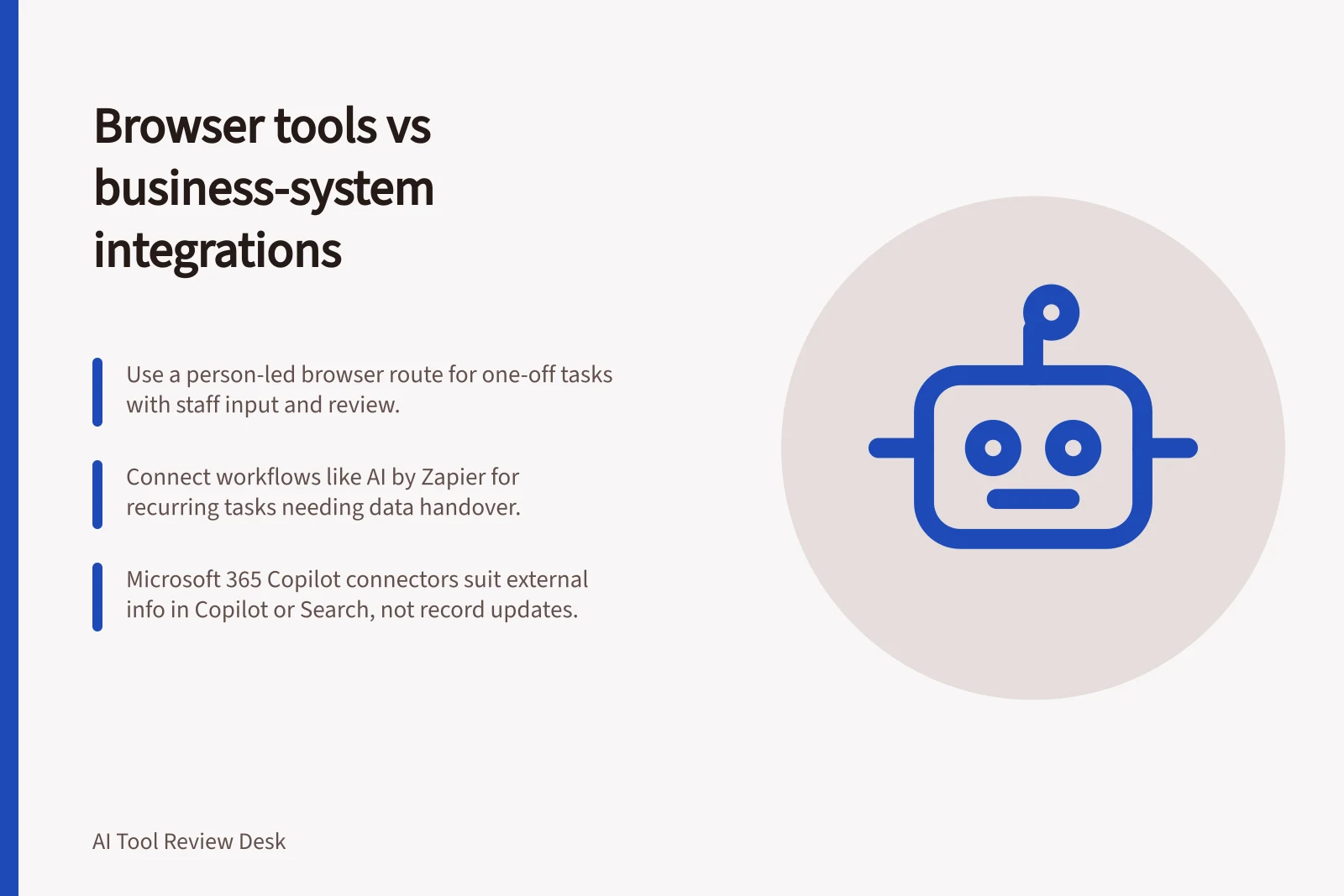
Use a person-led browser route for a one-off task when a staff member can provide input, check the response and make the approved update. ChatGPT Data analysis is a named option for analysing data this way.
Use a connected workflow when a task recurs, needs returned data in a later step, or manual transfer creates unacceptable delay or error risk; AI by Zapier is a named workflow option. Microsoft 365 Copilot connectors suit finding external information in Copilot or Microsoft Search, rather than moving a reviewed result into a business record.
Follow one item through both routes
Consider a fictional, authorised supplier enquiry. In a browser route, a staff member supplies approved context, checks the suggested category and summary, then enters the approved result in the enquiry system. In a connected workflow, an arrival event could trigger an AI step and pass its output fields to a review queue before a record changes. Neither route should turn a suggestion into an approved decision without the required check.
| Question | Browser route | Connected workflow |
|---|---|---|
| Who starts it? | A staff member | A configured trigger or authorised user |
| How does the result move? | A person transfers the approved result | Defined fields pass between steps |
| Where can it stop? | Before the person copies the result | At a configured approval or failure step |
| What may fail? | Context or manual transfer | Mapping, permissions, repeated runs or a rejected update |
For the person-led analysis, ChatGPT Data analysis is a named option when a staff member supplies data, reviews the result and enters the approved category or summary. For a repeated analysis that needs returned data in a workflow step, AI by Zapier is a named option; keep the review queue before any record changes.
Check what each product route offers
Before using ChatGPT Data analysis, check OpenAI's current documentation for supported inputs. For a person-led task, plan how the staff member will record the approved result in the business system.
The AI by Zapier step analyses and returns data, and tools can be added to that step. Consider it for a repeated task whose result needs a defined handover, with a review point before any record changes.
Microsoft 365 Copilot connectors suit bringing external information into Microsoft 365 Copilot and Microsoft Search. Synced connectors index content into Microsoft Graph, while federated connectors fetch data in real time without indexing.
Microsoft describes synced connectors for broad indexing and federated connectors for sensitive, dynamic or live data sources. An AI administrator must configure and deploy connectors, and each user querying a federated source needs a Microsoft 365 Copilot add-on licence.
For synced connectors, check whether access follows source permissions or is visible to everyone; the setting determines who can see indexed content. Confirm the intended visibility before relying on the results.
For a write-enabled workflow, confirm the destination fields and place the review queue before any record change. Check the workflow's permissions against the intended visibility.
Decide who owns the final action
Identify the original source, approved output and owner of the final record in either route. Do not treat an AI suggestion as an approved decision when a check is required.
For personal information, assess the intended account and data flow before using real records, following OAIC's Guidance on privacy and the use of commercially available AI products. Test with fictional or non-sensitive material unless real-data use is authorised; testing alone does not approve live customer-data use.