Data Handling
Part of AI tool privacy and data handling
Keeping confidential data out of a public tool trial
Set an input boundary, prepare fictional examples and check every upload route before trialling a public AI tool.
Before anyone opens a publicly available AI tool for a trial, set the input boundary and name who approves the account and features. Use invented or specifically cleared, non-sensitive material; if the real task depends on confidential records, the exercise can show how the interface works but cannot authorise those records or establish performance on them.
Identify what must stay out
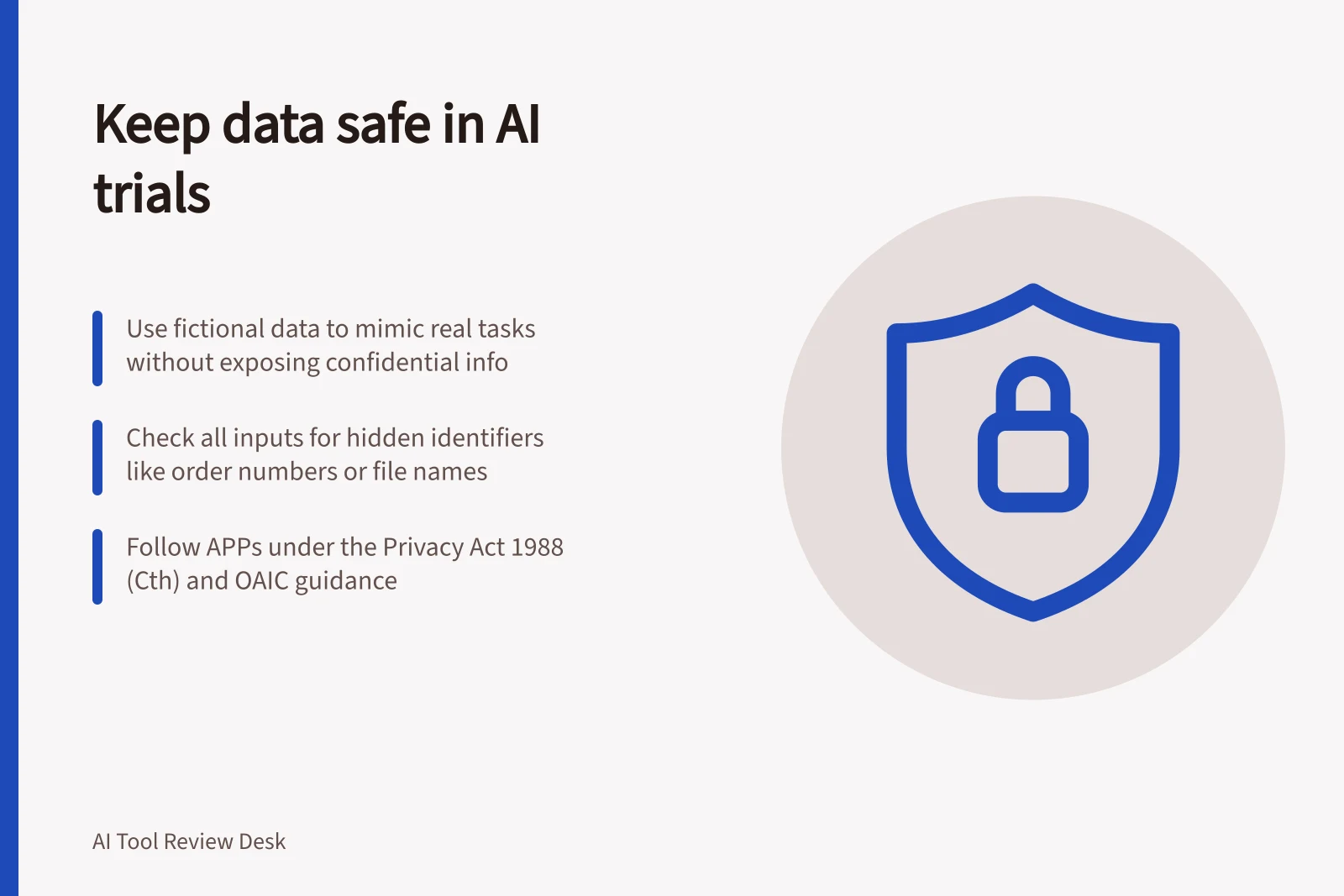
Ask the task owner what staff are likely to paste, attach or connect. Look beyond names and passwords: an order number, address or unusual event may identify a customer, while a supplier document may reveal negotiated terms. A screenshot may include other tabs, messages or file names, so check the whole item before copying an excerpt.
Avoid entering personal information into publicly available generative AI tools unless it has been cleared for the trial, particularly sensitive information. Removing obvious identifiers may not be enough if other details could identify someone. Treat a free trial account as a real data destination.
The Privacy Act 1988 (Cth) includes the Australian Privacy Principles (APPs), which govern how covered organisations and agencies handle personal information. The OAIC (Office of the Australian Information Commissioner) says the APPs cover standards, rights and obligations around the collection, use and disclosure of personal information; governance and accountability; integrity and correction; and the rights of individuals to access their personal information. A breach of an APP can lead to regulatory action and penalties.
Make a safe substitute
Create a fictional case that preserves the difficulty the team needs to examine: document structure, field types, awkward wording or missing information. Replace names, account details and commercial facts with invented values. Review the finished prompt, file and screenshot before upload, and mark the material as fictional so an output is not mistaken for a real business decision.
For example, use the prompt: “Draft a reply to a fictional customer whose order is delayed. Ask for [missing detail] and use [invented order status].” Keep real names, order references, addresses and attachments out of the example.
Record the permitted and prohibited inputs and who checks each example. The task owner should approve the permitted account and features, and confirm the examples stay within the boundary. A fictional customer request may show whether a tool asks for a missing detail and produces a reviewable draft, but it cannot show whether live customer records may be sent to the service.
Control the route and respond to mistakes
Tell participants which account and feature the task owner has approved. Check whether a personal login, browser extension, connected drive, shared link or file upload would take information outside that route, and avoid unneeded connections during the exercise. If confidential material appears in a proposed input, stop the upload and replace the example.
Check whether an account, connected service or upload route sends personal information overseas. If the destination is unclear, pause and seek privacy review before approval.
If material has already been submitted, stop further submissions and record what was sent, when, and which account and feature received it. Tell the task owner promptly and follow the organisation’s incident process. For personal information, assess whether it may be a notifiable data breach and follow the applicable notification requirements, using OAIC privacy guidance as needed.
Do not assume that deleting the visible chat deletes every copy; retention rules vary by product and feature.
Close the trial
Record which examples were allowed, which route was checked and what remains untested about live records. Before any real-record use, separately review the intended account’s agreement, data flows, training position, retention and access settings.