Task Testing
Part of Publishing evidence-based AI reviews
Dating a review to the tested product version
Separate test, documentation and page dates, and describe the product version or account conditions behind an AI review.
Show when a result was observed and which product conditions produced it.
A page’s publication or update date tells readers when the article changed; it does not identify the product version, plan or settings examined.
Keep the dates separate
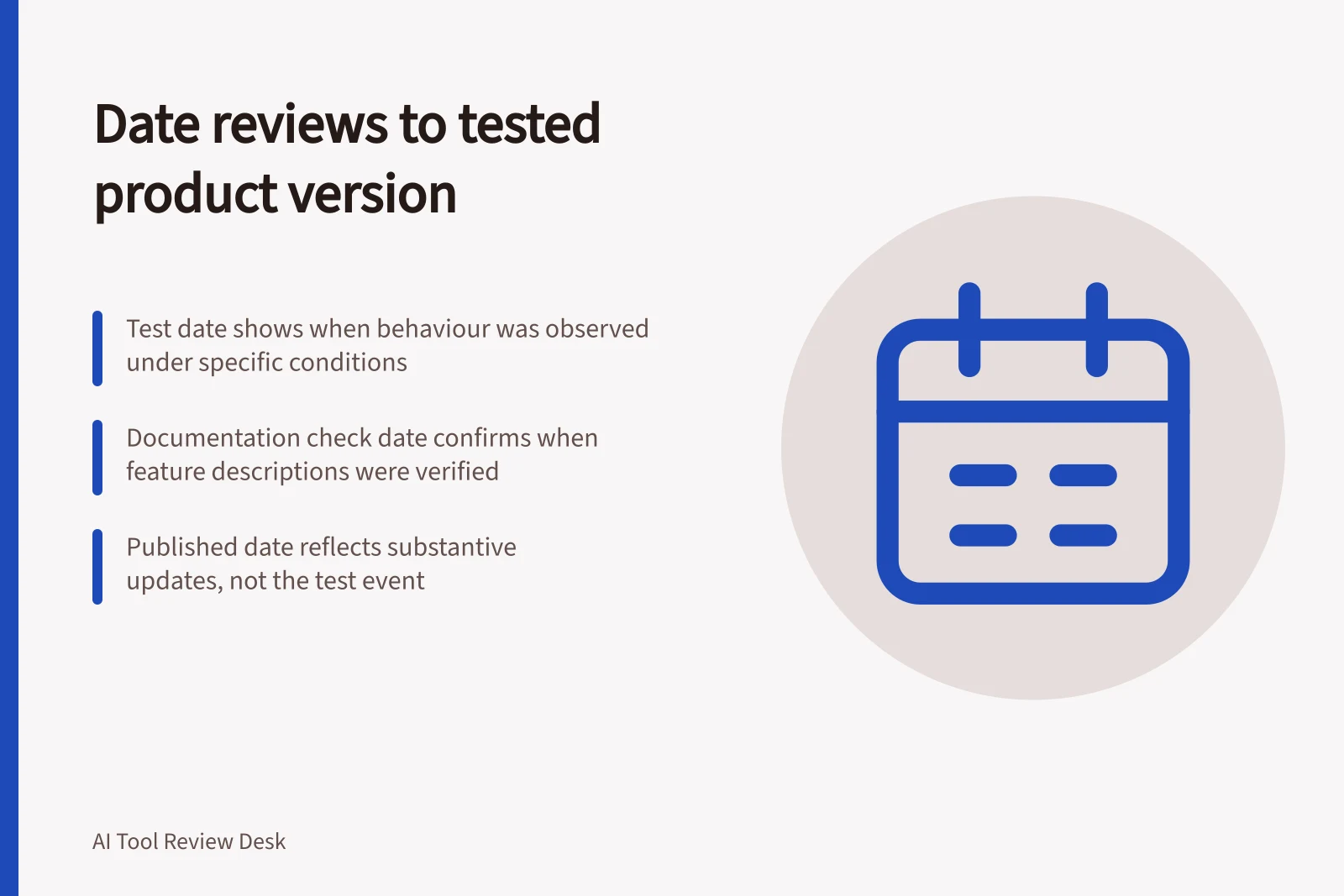
Record when the product was run, when material provider information was checked, and when the article was published or substantially updated. A review written in October from earlier runs should plainly show the earlier test period.
Date / What it tells the reader
- Tested
- When the observed behaviour occurred
- Documentation checked
- When feature and plan descriptions were checked
- Published or last updated
- When the page was issued or substantively revised
Google’s byline-date guidance concerns the page’s publication or update, not the date of an event described on it. A test date should be labelled as a test date.
Key Dates in AI Product Review Process
- Tested
- When the observed behaviour occurred
- Documentation checked
- When feature and plan descriptions were verified
- Published or last updated
- When the page was issued or substantially revised
Describe the tested product conditions
Capture the product name, feature, plan, region, platform and relevant settings at the time of the run. Add a model or build identifier when the tested interface exposes one reliably.
If no identifier is shown, say so and give the conditions you could observe. Do not fill the gap with a name from a later announcement.
Features can depend on a plan, administrator setting or selected mode. Name the route behind the verdict. If a supplier changes a feature without exposing a version number, the dated account conditions still bound the observation.
Product Conditions to Document in AI Reviews
- Product name
- e.g., ChatGPT, Claude, Gemini
- Feature
- e.g., Code Interpreter, Advanced Data Analysis
- Plan or tier
- e.g., Free, Pro, Enterprise
- Region
- e.g., Australia (AU), United States (US)
- Platform
- e.g., Web, iOS, Android
- Settings
- e.g., Safety filters enabled, custom prompts used
Keep old and new findings distinct
Do not relabel an older output as a result from a newer product. Keep its original test date and conditions.
Add a new test period only for cases actually repeated, identifying those cases. A current documentation check can update a feature description; it cannot validate an old performance finding.
Where true, a review can say that behaviour was observed on its recorded test date and has not since been rechecked. If that observation no longer answers the reader’s likely decision, qualify the recommendation until it is reviewed.
Best Practices for Dating AI Reviews
- Record test date clearlyUse 'Tested: [date]' to show when behaviour was observed
- Do not redate old findingsKeep original test conditions and dates unchanged
- Add new tests only if repeatedClearly label new test periods with updated conditions
- Clarify outdated findingsNote if a result is no longer relevant and needs review
Date the page honestly
Use the page’s last-updated date for a substantive revision and explain a change that affects the verdict. A spelling correction need not appear to be a fresh product assessment. The useful chronology is what was tried, under which conditions, and what the article now says.
Review Integrity Metrics
- Last updated
- Date of substantive revision
- Original test date
- Not changed unless new test run
- Verdict validity
- Only valid under recorded conditions