Task Testing
Part of AI tool reliability
Testing repeated runs on the same task
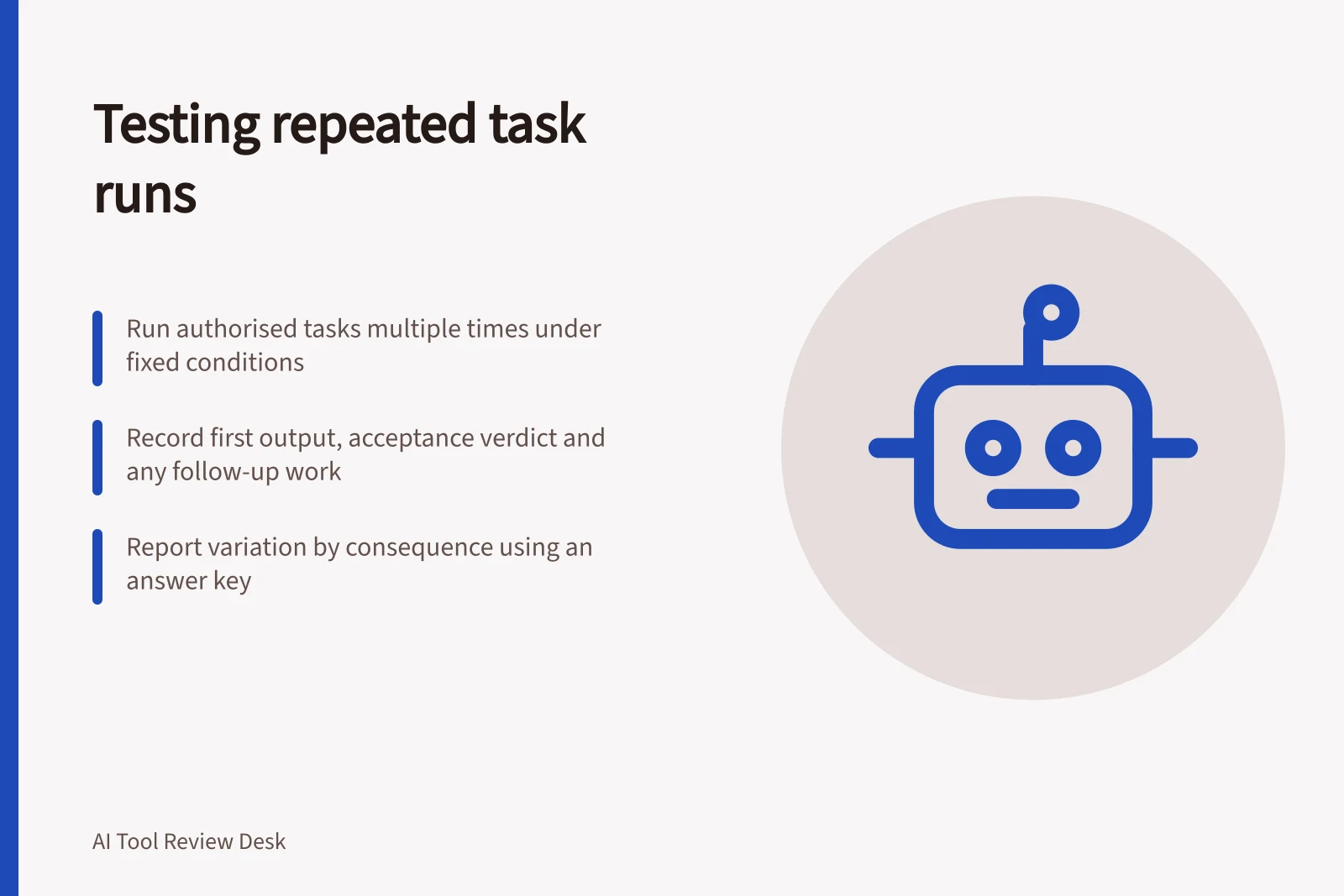
Repeat one AI task under recorded conditions, judge every first attempt against a fixed rule and report variation that matters.
Run the same authorised task several times under recorded conditions. Judge every first result against one fixed acceptance rule. The test asks whether an acceptable result recurs without extra prompting or repair; different wording can pass if the required meaning is intact.
Testing workflow for repeated AI task execution
- Fix the case before runningDefine one task with fixed inputs, source, and acceptance rule
- Keep every first attemptRecord first output regardless of outcome; do not discard retries
- Report variation by consequenceClassify results as accepted, repairable, or rejected based on impact
Fix the case before running it
Choose one work item with an approved source and an answer key. In a fictional service enquiry, a customer may request an order change before dispatch, subject to availability. An acceptable draft keeps both conditions, makes no promise that the change will happen and identifies missing information. Write these checks before seeing an output.
Save the exact prompt, input, source version, account plan, feature, visible model or version, settings and date. Use a fresh conversation or equivalent clean starting state for each independent run when that matches the intended workflow.
If ordinary work uses an ongoing conversation, test that route separately and record its history. Otherwise a changed conversation can be mistaken for variation in the tool.
OpenAI’s API guidance says outputs can vary for the same input. A browser product may not expose a snapshot identifier; record what the intended account shows rather than implying that a model name fixes every condition.
Keep every first attempt
Choose the number of runs according to the task’s importance and frequency, and state it in the report. A handful may reveal a serious failure but cannot establish a dependable rate for a large workload. Complete the planned series even if an early answer looks good.
Record / What it shows
- Case, source and exact prompt
- What each run was meant to use
- Account, feature, settings and date
- Conditions that could change
- First output or error
- The result before repair
- Acceptance verdict and reason
- Which required behaviour passed or failed
- Follow-up work
- Prompts, retries and human corrections needed
A later successful retry does not erase a failed first attempt. Keep it as a separate step in the route to an approved result.
Report variation by consequence
Mark each first output accepted, repairable or rejected, with a specific reason. A different greeting may be harmless. Dropping “subject to availability” changes the fictional policy and fails. Mark an ambiguous result for review rather than granting a pass.
Report accepted first attempts over all recorded first attempts, including errors and refusals. Distinguish a technical failure from a completed but unacceptable answer. Describe consequential failures even when the count looks favourable. If reviewers disagree, resolve the criterion against the answer key before combining verdicts.
Repeat the saved case after a change to the prompt, source, model, feature or workflow. State what changed, and avoid treating the new series as directly comparable where conditions differ. The finding applies to the recorded task and setup; it does not establish performance on other work or restricted live records.