Task Testing
Part of Publishing evidence-based AI reviews
Updating a review after a material product change
Decide when an AI product change warrants a review update, recheck affected claims and explain the revised verdict without erasing old tests.
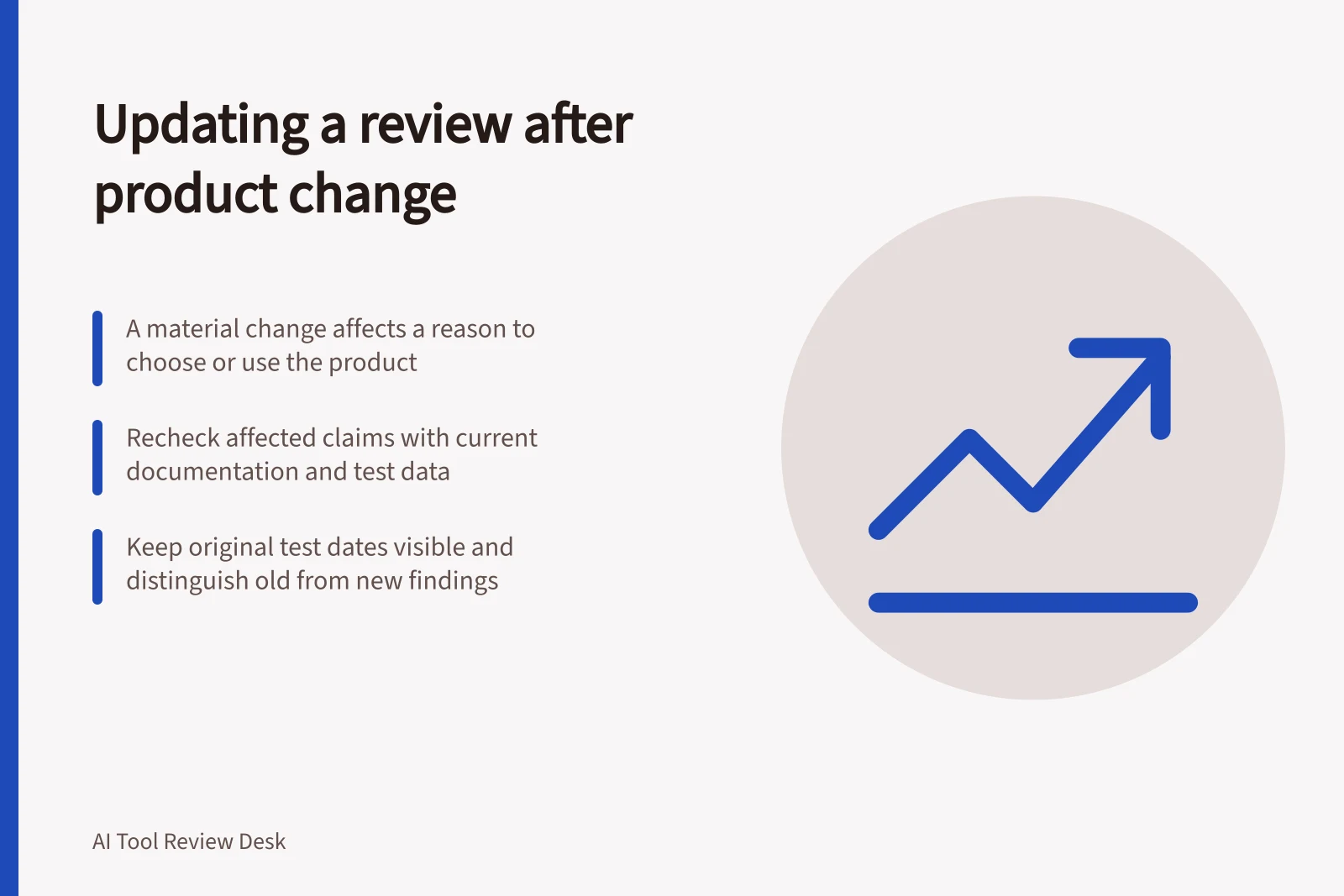
When a product change could alter a reader’s decision, identify the affected claims and recheck them before repeating the old verdict. Keep earlier test conditions visible, and distinguish current findings from historical or unverified ones.
Decide whether the change matters
A change is material when it affects a reason to choose, reject or use the product. A feature moving to another plan, a changed export route, a different data-handling control or a model change affecting the reviewed task may qualify.
A colour or label change may need only a copy edit. A new limit that prevents the reviewed workflow can change the recommendation.
Treat a supplier announcement, reader report or support reply as a reason to investigate. Check current primary documentation for the relevant plan, region and feature. Documentation can establish a stated feature or limit; it does not prove the product’s present performance in the reviewed task.
Map the change to the page
Find every claim that depends on the changed feature, including the verdict, comparison table and excerpt. Classify each as supported by current documentation, requiring a new run, contradicted or unresolved.
Finding / Response
- The detail changes without affecting the reader’s decision
- Correct it and retain the original test date
- A documented feature or limit changes
- Revise the feature claim and reconsider the verdict
- Observed performance may have changed
- Repeat relevant cases before making a current performance claim
- A consequential claim cannot be checked
- Qualify or pause the recommendation and identify the gap
Recheck the affected work
Where the saved inputs and acceptance rule still represent the task, repeat the cases affected by the change. Record the new account conditions, date, first outputs and corrections. Add a case if the change creates a new failure route. Keep the earlier observations with their original dates rather than overwriting them.
Explain the revision
A short update note should say what changed, what was rechecked, how the verdict changed and what remains uncertain. Use the page’s substantive revision date as its last-updated date, separate from the product announcement and earlier test dates. Google’s date guidance says page dates should describe publication or update of the page, rather than an event discussed on it.
If a previous recommendation depended on a capability now removed or unverified, place that limitation beside the recommendation until the evidence supports a revised verdict.