Task Testing
AI tool reliability
Assess AI tool reliability through repeated results, realistic inputs, failure recovery and the availability terms for your business account.
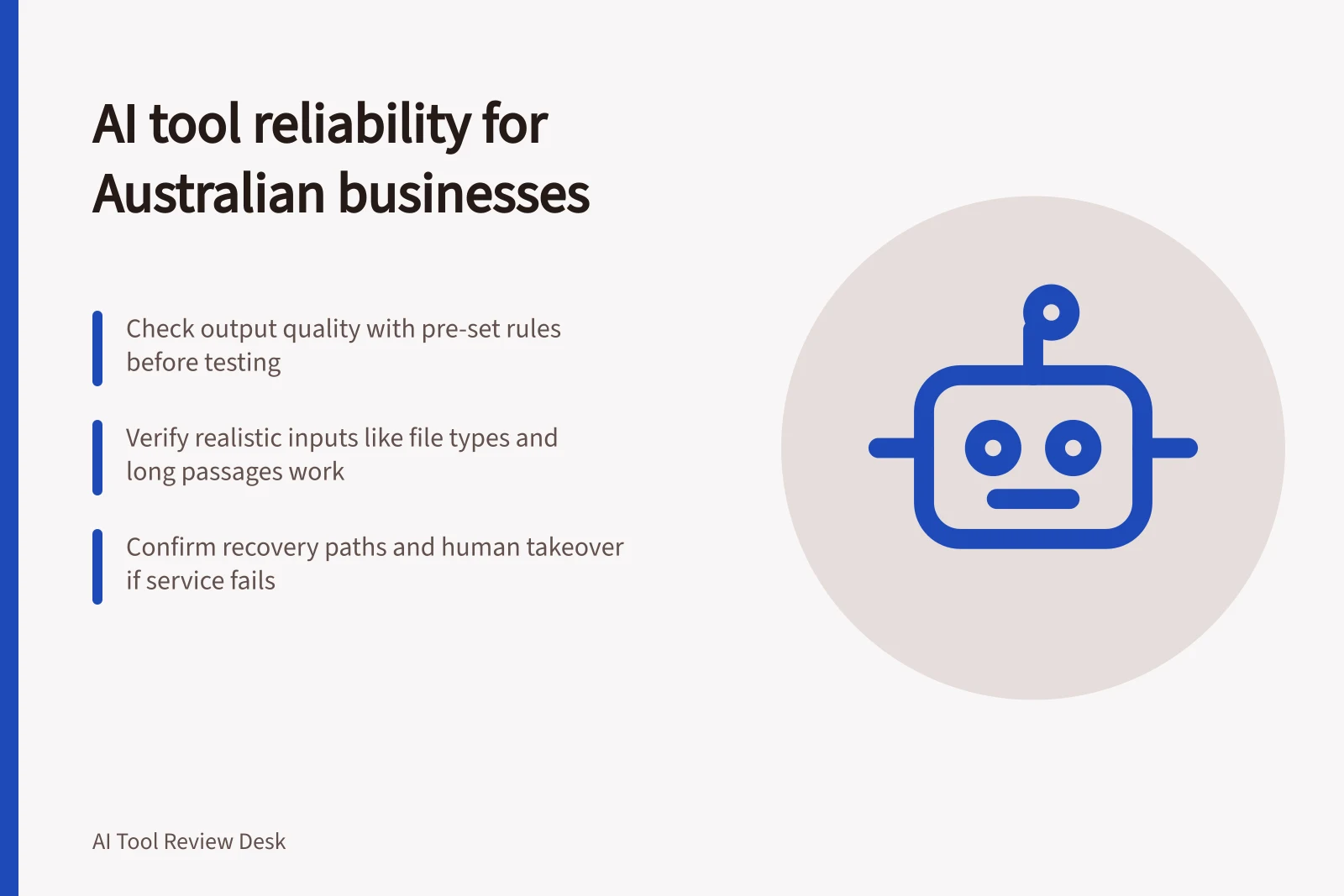
An AI tool is reliable for a business task when it produces an acceptable result often enough, within the time available, and leaves a workable route when it cannot. A successful demonstration answers only part of that question. Check output quality, realistic inputs, recovery and service availability separately.
Define the task and its limits
Name the permitted inputs, required output, deadline and reviewer. In a fictional supplier enquiry, a tool might draft a reply from an approved information sheet. The draft must keep the sheet’s conditions, identify a missing detail and reach a staff member before the response deadline. A fluent reply that invents a delivery promise fails even if the service stayed online.
| Reliability question | Evidence to collect |
|---|---|
| Are results consistently usable? | First attempts judged against a rule set before testing |
| Do realistic inputs work? | Results for the file types, lengths and difficult passages staff receive |
| Can staff recover from failure? | Error, retry decision, unfinished item and handover route |
| Is the service available when needed? | Applicable terms and time-stamped records from the intended workflow |
A completed request can return an unacceptable answer. A request can also fail before an answer arrives. Record these separately so the team can address the right cause.
Check output variation
Run authorised cases more than once under recorded conditions. Save every first attempt, including refusals and results needing correction. Judge each against the same pre-set acceptance rule, report accepted first attempts out of all first attempts, and describe consequential failures. A few runs can expose a problem; they cannot establish a dependable rate for a broad workload.
Record the product, plan, feature, visible model or version, settings, exact prompt, source version and date. Repeat affected cases after a change. Consistency does not establish factual correctness: a consistently wrong answer still fails the approved source check.
Design a task-specific check
See the supporting article on output quality rubric design for task-specific evaluation checks and scoring.
Check workload edges and recovery
Use document lengths and layouts staff actually receive. Check upload acceptance, the passages used in the answer and any missing conditions. A context window describes input capacity, not a guarantee that every relevant detail will be retrieved. Google’s Gemini API guidance, for example, warns that retrieving several details from long context can be harder than finding one.
Examine failed requests in an approved test route. Invalid input, a usage limit, a temporary service error and an uncertain timeout call for different responses. Before repeating a request that may have changed a business record, check whether the first action completed. Keep the unfinished item visible to a person who can take over.
Probe long-input behaviour
Check the exact model’s context-window limit rather than relying on a product-wide claim. Google’s Gemini documentation describes models with context windows of more than one million tokens, but directs users to model-specific information for the applicable limit. A large window establishes how much information can be supplied, not whether the task succeeds.
For long prompts, test where the question appears as well as how much material is supplied. Google says that, in most cases, placing the query after the rest of a long context can improve performance. Include this placement in the recorded test conditions if staff will use long inputs.
Classify request errors before retrying
Use the returned error details to choose a response. OpenAI’s API guidance distinguishes authentication failures from rate limits, exhausted credits and server errors: checking the key or account will not resolve a rate limit, and adding credits will not fix an incorrect key. Record the error code and the action taken so repeated failures can be traced to their cause.
For rate limits, OpenAI advises pacing requests and following the Retry-After header when it is present; for a server error, its guidance says to retry after a brief wait and check the status page if the problem persists. An overloaded model may also return a temporary service error. Apply retries only where the workflow permits them, and keep an item available for human follow-up if it remains unfinished.
Handling Request Errors in AI API Workflows
- Identify Error CodeUse OpenAI's error codes to distinguish authentication, rate limits, credit exhaustion or server errors
- Apply Correct ResponsePace requests for rate limits; check key/account status for auth issues; retry after wait for server errors
- Verify Completion Before RetryCheck whether a prior action already updated a business record to avoid duplication
- Escalate Unfinished ItemsKeep items visible for human follow-up if automation fails
Read availability terms for the route you will use
An uptime objective applies only to the service, methods and requests defined in its terms. Exclusions, measurement periods and claim rules matter. A service credit cannot complete a missed customer task. Check the agreement and account entitlement that would apply to the Australian business, then set an operational deadline for human takeover.
A provider status page can help investigate an incident, while your request record shows what happened to your work. Approve the tool only for the task, inputs, account and review route examined. Recheck after a material change to the product or workflow.
Check the exact availability commitment
For a concrete example of why the covered route matters, Google Cloud’s SLA for the Gemini Online Inference API on Gemini Enterprise Agent Platform lists a 99.5% monthly uptime objective for the generateContent and streamGenerateContent methods. The excerpt states that this falls to 95% for models designated for shorter availability. It also lists a separate 99% monthly latency target for streamGenerateContent under Provisioned Throughput, subject to its stated model conditions.
The same SLA measures uptime and latency by calendar month and per project, and makes financial credits conditional on the customer meeting its obligations. It describes those credits as the sole and exclusive remedy for failure to meet the objective. Compare such terms with the actual account and request route being considered, then decide how staff will handle work that cannot wait for a service remedy.
Service Availability Commitments (Google Cloud Gemini Enterprise)
- Uptime Objective (generateContent & streamGenerateContent)99.5% monthly
- Uptime Objective (shorter availability models)95% monthly
- Latency Target (streamGenerateContent – Provisioned Throughput)99% monthly
- Remedy for SLA FailureFinancial credits only
In this guide
- Testing repeated runs on the same taskRepeat one AI task under recorded conditions, judge every first attempt against a fixed rule and report variation that matters.
- Measuring performance with longer input documentsCheck whether an AI tool accepts longer documents and finds the right evidence, using a controlled length comparison and separate format checks.
- Checking how a tool handles a failed requestTrace an AI request failure through diagnosis, safe retry, account fix or human takeover, and check the final state of work.
- Reviewing availability commitments for business useRead an AI provider’s availability terms by checking covered traffic, downtime rules, exclusions, credits and your own recovery deadline.