Data Handling
AI document processing
AI document processing can extract fields from invoices, forms and tables, but a convincing preview is not proof that the data is ready for a finance or…
AI document processing can extract fields from invoices, forms and tables. A convincing preview does not prove the data is ready for a finance or operations system. Evaluate the full route from incoming file to accepted record: what is extracted, what needs checking, what fails and how much correction work is required.
Distinguish recognition from interpretation
Optical character recognition (OCR) turns text in an image or file into machine-readable text. Intelligent document processing goes further by combining OCR with techniques such as machine learning, handwriting recognition, natural language processing and workflow automation to interpret what the information represents.
A tool that recognises words may still leave people to identify document types, understand relationships between values and apply business rules. A broader processing system may also classify, validate and route information. Assess which capabilities your process actually needs rather than treating every product labelled “AI” as equivalent.
Define a job before selecting a tool
Choose one document family and the fields that drive decisions. For invoices, these might include supplier, invoice number, date, total and line items. Specify the downstream format and which mistakes are critical. Microsoft Document Intelligence documents a prebuilt invoice model that returns structured fields and line items, but accuracy on your documents still needs to be assessed.
Assess performance against a representative mix of documents, using human-verified results to check whether extracted values are accurate and assigned to the correct fields or table rows. A value can be legible and still be wrong for the receiving system.
Match capability to the document mix
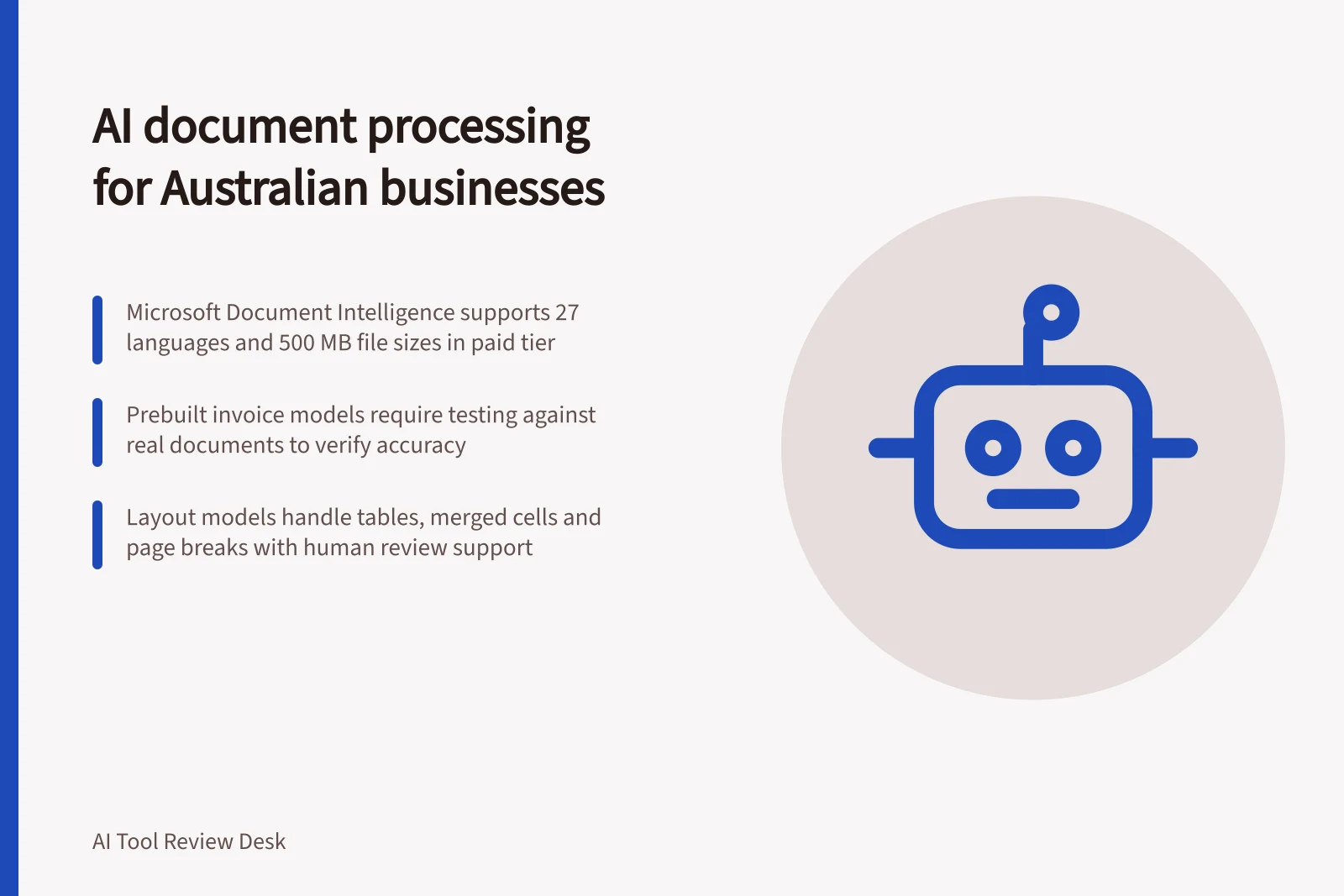
Prebuilt models can reduce the amount of document-specific configuration. Microsoft Document Intelligence’s invoice model supports invoices, utility bills, sales orders and purchase orders, and extracts key fields and line items into structured JSON. It supports invoices in 27 languages and accepts varied invoice formats, including phone-captured images, scans and digital PDFs.
For less standard documents, a layout model may be a better starting point than an invoice-specific model. Microsoft’s layout model extracts text, tables, selection marks and document structure, including geometric elements such as tables and logical elements such as headings. Decide whether your output needs individual values, table structure or broader page relationships.
Also check whether the model’s defined document coverage matches the intended use. A system’s ability to process a document is not, by itself, evidence that it can reliably interpret its business meaning or produce the record your receiving system requires. Where a document family falls outside stated coverage, include it in a separate fit assessment rather than assuming a prebuilt model will handle it.
Microsoft Document Intelligence vs Google Cloud Document AI: Key Capabilities for Australian Businesses
- Prebuilt Invoice Model
- Yes (supports invoices, utility bills, sales orders, purchase orders)
- Layout Model
- Yes (extracts text, tables, selection marks, structure)
- Human-in-the-Loop (HITL) Support
- Deprecated in Google Cloud Document AI
- Supported Languages
- 27 languages (including English, French, German, Spanish)
- Input Formats
- PDF, JPEG/JPG, PNG, BMP, TIFF, HEIF, DOCX, XLS, PPTX, HTML
- File Size Limit (Paid Tier)
- 500 MB
- Free Tier Page Limit
- First 2 pages only
Test layout and review work
For tables, assess whether the system preserves structure and handles variation such as merged cells, page breaks and subtotals. Weigh reconstruction effort as well as recognition.
Assess how uncertain or inconsistent values are surfaced for human review, and whether reviewers can compare the original document with the proposed record. Do not assume every vendor supplies a current built-in review queue: Google Cloud lists Human in the Loop (HITL) as a deprecated feature. Verify the workflow that is actually available in the version and plan you intend to use.
Compare end-to-end processing time and cost per accepted document, including human review and correction. Examine results by document type, and consider acceptable error levels and exception handling. If a type needs full manual reconstruction, it may be better left outside automation until its input or process changes.
Key Performance Metrics for AI Document Processing in Australia
- Max File Size (Paid Tier)500 MB
- Max Pages (PDF/TIFF)2,000
- Minimum Text Height12 pixels on 1,024×768 image (~8-point at 150 DPI)
- Recommended Input QualityOne clear photo or high-quality scan per document
Check input compatibility and service limits
Input compatibility can rule out a candidate before accuracy is compared. Microsoft Document Intelligence’s v4.0 layout model lists PDFs, JPEG/JPG, PNG, BMP, TIFF, HEIF, Word DOCX, Excel XLS, PowerPoint PPTX and HTML as supported formats. Its stated file-size limit is 500 MB for the paid S0 tier and 4 MB for the free F0 tier.
The same layout model supports up to 2,000 pages for PDFs and TIFFs, while the free tier processes only the first two pages. Password-locked PDFs must be unlocked before submission; images must be between 50 by 50 and 10,000 by 10,000 pixels.
For photos and scans, Microsoft recommends one clear photo or high-quality scan per document. Its stated minimum text height is 12 pixels on a 1,024 by 768 pixel image, corresponding to about 8-point text at 150 dots per inch. Compare these requirements with the files your organisation actually receives, especially if small print or poor-quality images are common.
Assess the whole process, not just the model
Documents may arrive as supplier invoices, purchase orders, contracts, application forms, employee records, claims, correspondence or compliance documents. Information may need to be captured, reviewed, approved, transferred and retained. Consider where the proposed system connects to those existing activities, rather than assessing extraction as a standalone feature.
Compare candidates against the same business outcome: accepted, usable records with a defined route for exceptions. If a tool handles recognition well but cannot support the required hand-off, validation or review, the organisation may still carry much of the manual work.
End-to-End AI Document Processing Workflow for Australian Businesses
- Document IngestionReceive supplier invoices, purchase orders, or compliance documents via email, portal, or scan
- PreprocessingValidate file format, size, and quality; unlock password-protected PDFs if needed
- AI ExtractionUse prebuilt models to extract structured data (e.g., invoice number, total, line items)
- Validation & ReviewFlag uncertain values for human review; compare original with proposed record
- Routing & IntegrationSend validated data to accounting systems (e.g., Xero, MYOB), ERP, or CRM (e.g., Salesforce)
- Exception HandlingLog errors, trigger alerts, or route complex cases for manual processing
- Record RetentionStore processed documents and metadata compliant with ATO and privacy laws
In this guide
- Testing extraction from invoices with known answersAn invoice-extraction test needs a verified answer key.
- Comparing table extraction from different document layoutsA table can be transcribed word for word yet lose the relationship between a row label and its amount.
- Measuring correction effort after automated extractionThe cost of document extraction includes work after the model responds.