Task Testing
Part of AI output quality testing
Recording failure cases instead of publishing only successes
Keep original AI failures, their test conditions and the work needed to repair them so a quality report reflects the whole evaluation.
Keep material failures from an AI output test alongside successes, including the original results and the conditions that produced them.
Good examples show what was possible. Failure records show where the proposed workflow needs repair, review or a limit on use.
Record the output when it occurs
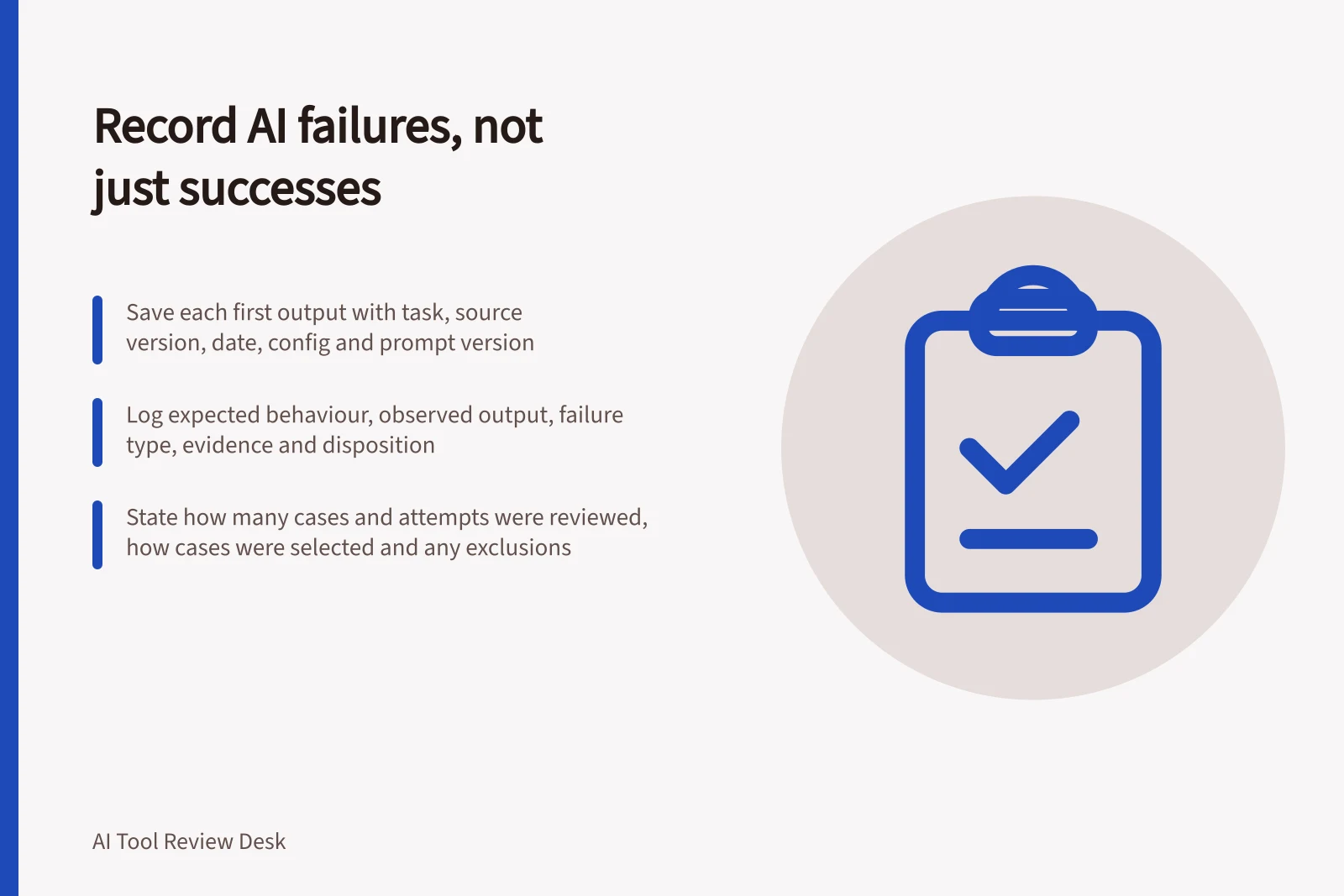
Save the input or an authorised reference to it, the unchanged output, task, source version, date, product configuration and prompt version. Give the case a stable identifier.
If a reviewer edits the answer or reruns the prompt, retain the first result and record each follow-up separately. Otherwise the effort needed to reach an acceptable answer is lost.
Record only the detail needed to explain the finding. Where a case contains personal or confidential material, follow the organisation's approved handling route before sharing an excerpt. Label fictional or cleared examples as such.
| Register field | What it answers |
|---|---|
| Expected behaviour | What should this task have produced or left unanswered? |
| Observed output | What did the tool return before repair? |
| Failure type | Was there a wrong claim, omission, unsupported promise, unusable format or failed handover? |
| Evidence | Which source passage or acceptance rule establishes the problem? |
| Consequence | What could happen if the output were used unchanged? |
| Disposition | Was it corrected, escalated, excluded from scope or left unresolved? |
A refusal is not automatically a failure. If approved material lacks an answer, asking for clarification or handing the item to a person may be correct. An inaccessible source is a review gap until suitable evidence is obtained.
Failure case register fields
- Expected behaviourWhat should this task have produced or left unanswered?
- Observed outputWhat did the tool return before repair?
- Failure typeWrong claim, omission, unsupported promise, unusable format or failed handover?
- EvidenceWhich source passage or acceptance rule establishes the problem?
- ConsequenceWhat could happen if the output were used unchanged?
- DispositionCorrected, escalated, excluded from scope or left unresolved?
Show the denominator and pattern
When summarising results, state how many cases and attempts were reviewed, how cases were selected and whether any were excluded. Separate routine cases from deliberately difficult ones.
An overall percentage can conceal failures concentrated in a rare but consequential situation. Describe serious cases individually and say whether they were caught before use.
Group findings by cause only after recording each case. A wrong date may require an updated source; a dropped condition may require a tighter acceptance rule; a missing field may require a workflow change.
A better result after repeated prompting does not erase the first failure. Count the recovery work.
Reporting the denominator and pattern
- State case and attempt countsHow many cases and attempts were reviewed.
- Explain selectionHow cases were selected and whether any were excluded.
- Separate difficultyDistinguish routine cases from deliberately difficult ones.
- Surface concentrated failuresDescribe serious cases individually rather than hiding them in an overall percentage.
- Say whether failures were caughtWhether serious cases were caught before use.
- Group by cause after recordingOnly group findings by cause after each case has been recorded.
Retest without erasing history
Give each unresolved case an owner and next action. After the source, instructions or configuration changes, rerun the affected case and record the new result beside the old one.
Add new failure types to future test sets. Keep the original conditions visible so an apparent improvement is not based on a different task.
When sharing findings, state the task, conditions, successes, failures, repair effort and remaining uncertainty. Use cleared examples or summaries where the original inputs cannot be shared.
Retest without erasing history
- Assign owner and next actionGive each unresolved case an owner and a next action.
- Rerun affected caseAfter the source, instructions or configuration changes, rerun the affected case.
- Record beside old resultRecord the new result beside the old one.
- Add new failure typesAdd new failure types to future test sets.
- Keep original conditions visibleKeep the original conditions visible so improvement is not based on a different task.
- Report full pictureWhen sharing findings, state task, conditions, successes, failures, repair effort and remaining uncertainty.