Task Testing
Part of AI customer-facing assistants
Checking failure behaviour when an answer is unavailable
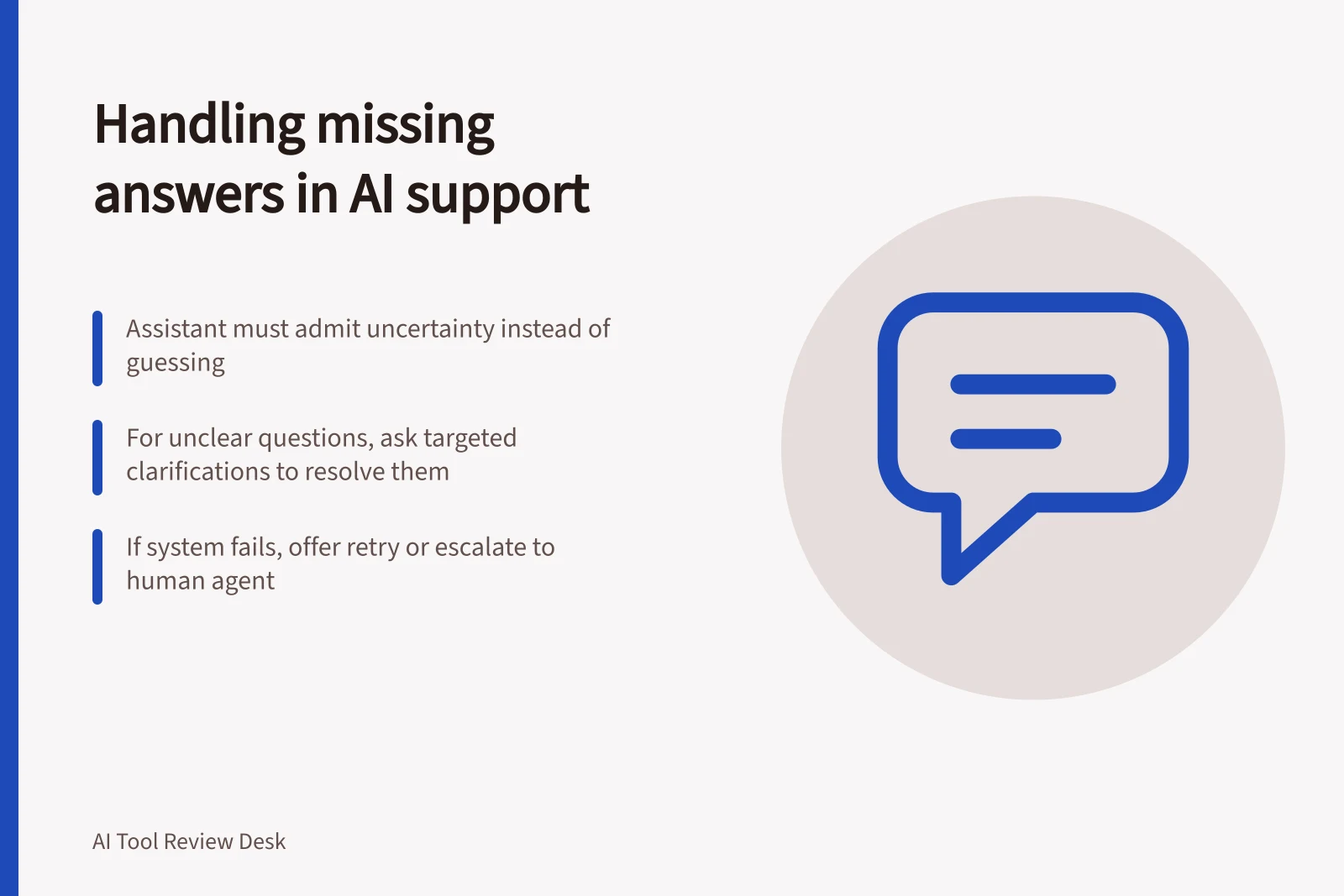
Test absent knowledge, unclear questions and technical failures to see whether a customer assistant admits limits and provides a useful next step.
When an assistant cannot support an answer, the customer should understand the limit and have a useful next step. Test three cases separately: an absent answer, an unclear question and a technical failure. A fluent guess can create a false promise; a refusal without a route forward can strand the request.
Create three distinct cases
First, ask about a real topic whose answer is deliberately absent from approved content. Second, ask a vague question that one clarification could resolve. Third, in a safe test environment, check what customers see when a knowledge source or response route is unavailable.
Set the expected outcome before running each case. Do not disconnect a live source to manufacture a failure.
For an absent answer, the assistant should avoid inventing a policy or promise. It may state what it can establish, ask for a missing detail or pass the request to a person.
For a vague question, a targeted clarification may be enough. A technical problem may warrant a retry, followed by another route if it persists.
Understand the documented starting points
Intercom says Fin may share source context, express uncertainty, attempt a partial answer or ask for clarification when it lacks confidence in available content.
Its documentation says a language mismatch without real-time translation, or a ticket description stored only as an attribute rather than a customer message, can prevent an answer.
Zendesk’s agentic-AI Knowledge reply searches connected sources. With no relevant knowledge, its default procedure uses a Default reply in messaging and an Escalation reply in email.
Messaging teams can customise the procedure to ask a follow-up question or escalate after repeated unsuccessful searches.
A generative knowledge reply with no connected source is instead documented as a technical error. Check that failure separately from an ordinary no-knowledge result.
Score the customer outcome
For each case, record the question, source state, reply, follow-up and final route. Check whether the assistant admitted uncertainty, made an unsupported claim, repeated itself, offered a reachable human path or ended silently. A useful outcome is more than the absence of an invented answer: the customer needs to know what to do next.
Include a return visit to an unresolved request. Check whether context remains available or the customer must start again.
When a failure is found, correct the content, route or message responsible and rerun that case. Keep failed examples in the review set so later changes can be checked against them.
Key Metrics for AI Assistant Failure Handling
- Human Escalation Rate
- Track per case type
- Follow-Up Clarity Rate
- Ensure all clarifications are actionable
- Context Persistence
- Check if unresolved requests retain context on return