Task Testing
Part of AI presentation tools
Comparing editable slides with image-only outputs
Editable slides let a colleague correct a number or move a chart without recreating the page. An image-only result may preserve appearance but becomes expensive to …
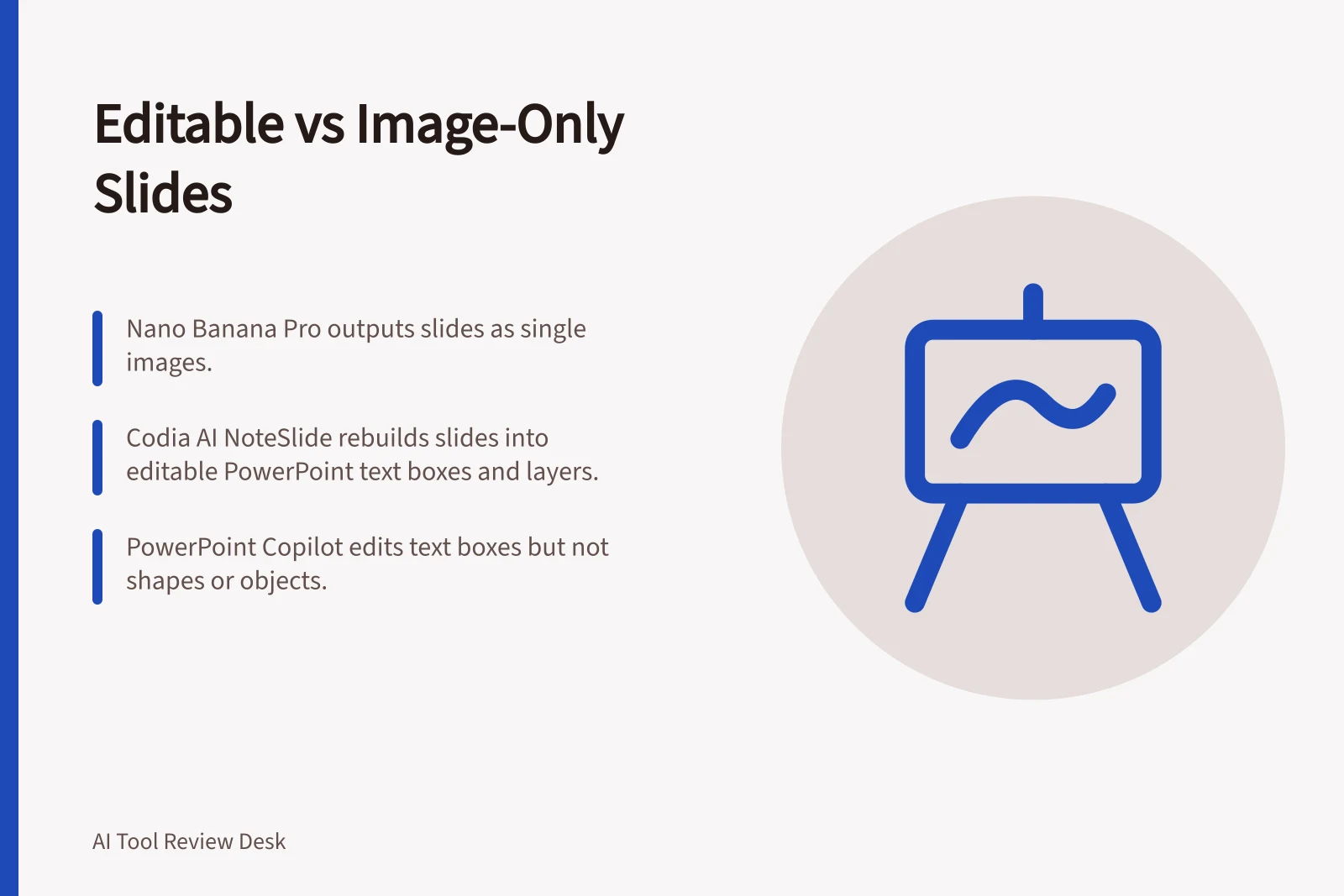
An editable slide is worth maintaining when people need to change its parts; an image-only slide is a fixed visual. Nano Banana Pro renders a slide as a single image, while Codia AI NoteSlide rebuilds images as separate PowerPoint text boxes, shapes and layers in a .pptx.
The difference shows up in a small correction. In a Nano Banana Pro image, fixing a typo means generating the slide again; in a NoteSlide-rebuilt .pptx, headlines, bullets and labels are selectable text, and backgrounds, cards, dividers and diagram parts are separate objects.
PowerPoint Copilot can draft a slide from a referenced file and lets you edit it. Its Rewrite feature works on text boxes, not shapes or other objects; Copilot in PowerPoint works with PowerPoint files (.ppt, .pptx).
For figures that change every month, prefer a file with separately editable parts. For a one-off visual that will not need object-level changes, an image-only output may be enough. Compare the time needed for any manual repair before choosing what to maintain.
Try the same changes in both outputs: edit a title, table, chart, footnote and two text blocks. Check whether each part can be selected and changed separately, then note any repairs that require rebuilding or regenerating the slide and how long they take.
Editable Slides vs Image-Only Outputs: Key Differences
- EditabilityText and objects are separately selectable; changes can be made directly in the file.
- Image-Only OutputFixed visual; editing requires regenerating the entire slide.
- Typo CorrectionIn editable files (e.g., .pptx), fix with text editing. In image-only, regenerate the slide.
- Object-Level ChangesCharts, shapes, and diagrams can be modified independently in editable formats.
- Monthly UpdatesEditable files are ideal for recurring updates (e.g., financial reports).