Data Handling
Part of AI image and design tools
Separating attractive images from usable production files
Inspect exported AI artwork for dimensions, transparency, editability and handover quality before approving it for web or print.
A polished preview is not proof that the receiving team can use or revise the delivered file. Check the format, editability, colour space and export result against the recipient’s requirements.
Get the receiving specification
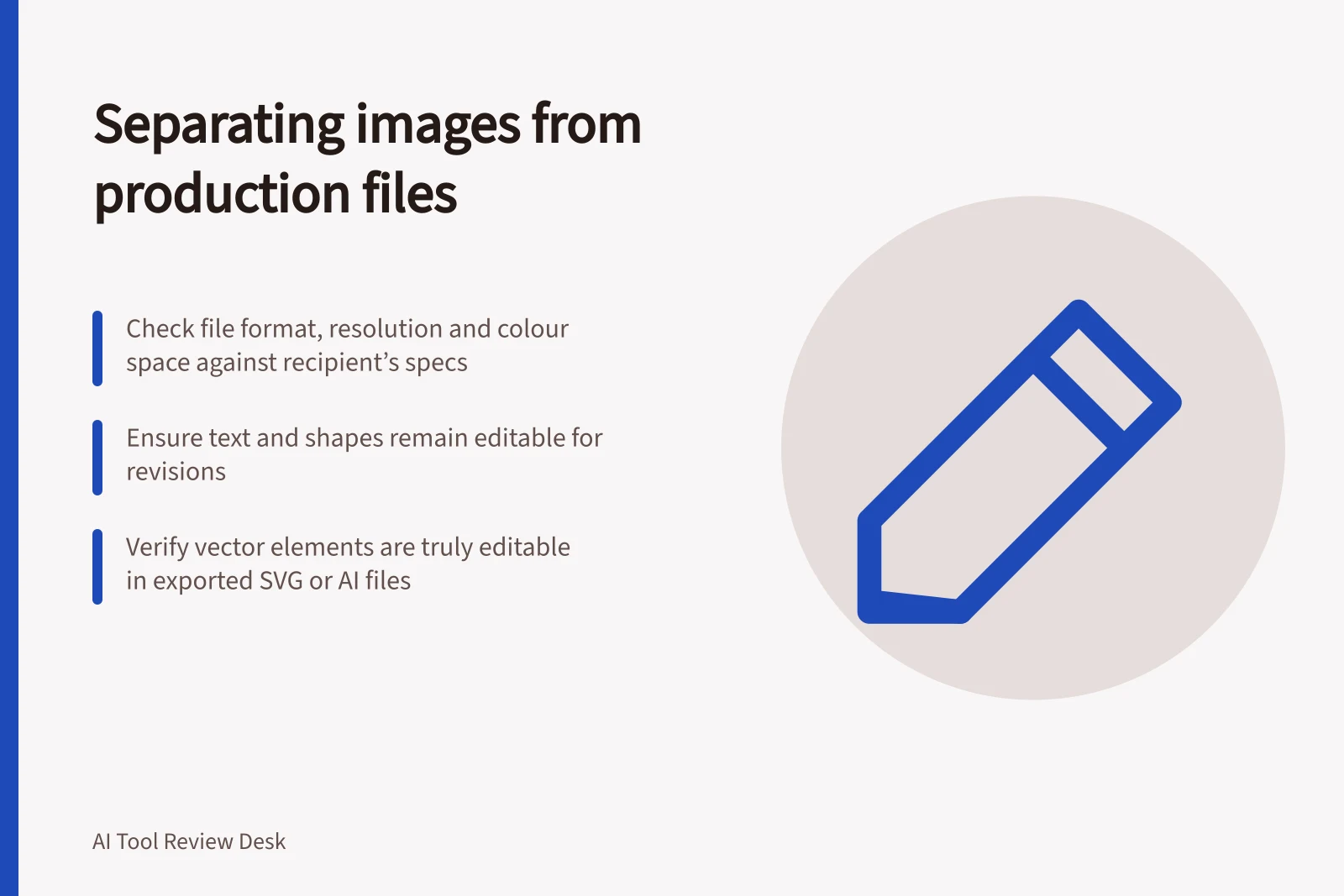
Ask the designer, web producer or supplier for the accepted format, pixel dimensions, background and colour-space requirements. Confirm whether text or shapes must remain editable and whether the artwork will be resized or reused.
Record the requirements before exporting. Compare the downloaded file’s properties with them, then open the file in the application the recipient will use. If someone else must revise it, ask them to make a likely change and export again.
Check what the export actually contains
Common image file formats include JPEG, GIF, PNG, TIFF, BMP and PDF. JPEG uses lossy compression and is commonly used for online images and some printed photographs and artwork; confirm that the recipient accepts the format you supply.
Raster images are made of pixels and can lose quality when enlarged. Their resolution depends on pixel count and pixels per inch (PPI) or dots per inch (DPI); more PPI or DPI alone does not guarantee a crisp result.
Vector artwork uses equations to describe shapes, so it can be resized without losing quality. Vectors are commonly used for illustrations, text and logos, while raster images are commonly used as final artwork for online publication or printing.
An SVG download option does not mean every element in a design becomes editable vector artwork. Open the export and check whether the elements the recipient needs to change are actually editable.
Ideogram Canvas lets users move, resize or arrange images on the canvas and download the final composition or work as an image. Those canvas actions do not establish that individual elements in the downloaded image remain editable.
If the recipient requires a transparent background, check that it is preserved in the downloaded file. A preview shown against a background does not confirm that the export meets this requirement.
Common photography colour spaces include sRGB, Adobe RGB and ProPhoto RGB. Different colour spaces used for editing and output can cause inaccurate colour reproduction, so ask the recipient which space they require and check the delivered file against that requirement.
Raster vs Vector Artwork: Key Differences for Production Use
- Image Type
- Raster (e.g., JPEG, PNG)
- Composition
- Made of pixels; resolution depends on PPI/DPI
- Scalability
- Loses quality when enlarged
- Best For
- Final online images, printed photographs
- Image Type
- Vector (e.g., SVG, AI, EPS)
- Composition
- Defined by mathematical equations
- Scalability
- Scales infinitely without quality loss
- Best For
- Logos, illustrations, reusable artwork
Common File Formats and Their Uses in Australian Production Workflows
- JPEG
- Lossy compression; ideal for web images and photos
- PNG
- Lossless compression; supports transparency
- SVG
- Vector format; editable in design tools
- Cross-platform compatibility; supports both raster and vector
- TIFF
- High-quality raster; preferred for print production
Run a handover check
Open the downloaded file in the application the recipient will use. Check its format and properties against the agreed dimensions, resolution and colour-space requirements, and confirm any required transparency is present.
- Export with the plan, feature and settings intended for production.
- Reopen the file outside the generating view and inspect its pixel dimensions or vector structure.
- Check edges, transparency, text and crop at the final size.
- Make one likely revision in the receiving application and export again.
- Keep the approved source file, export and settings together.
For example, a raster logo may look sharp in a preview but lose quality when enlarged. If the artwork must be resized or revised repeatedly, check that the recipient can work with the vector elements they need.
Reject a file when a required part cannot be revised, visible quality fails at delivery size or conversion changes the message. A raster image may suit a fixed web graphic; editable vector shapes may matter for artwork that must be resized or revised repeatedly.