Task Testing
Part of Evaluating AI tools for business tasks
Defining a repeatable task before comparing AI tools
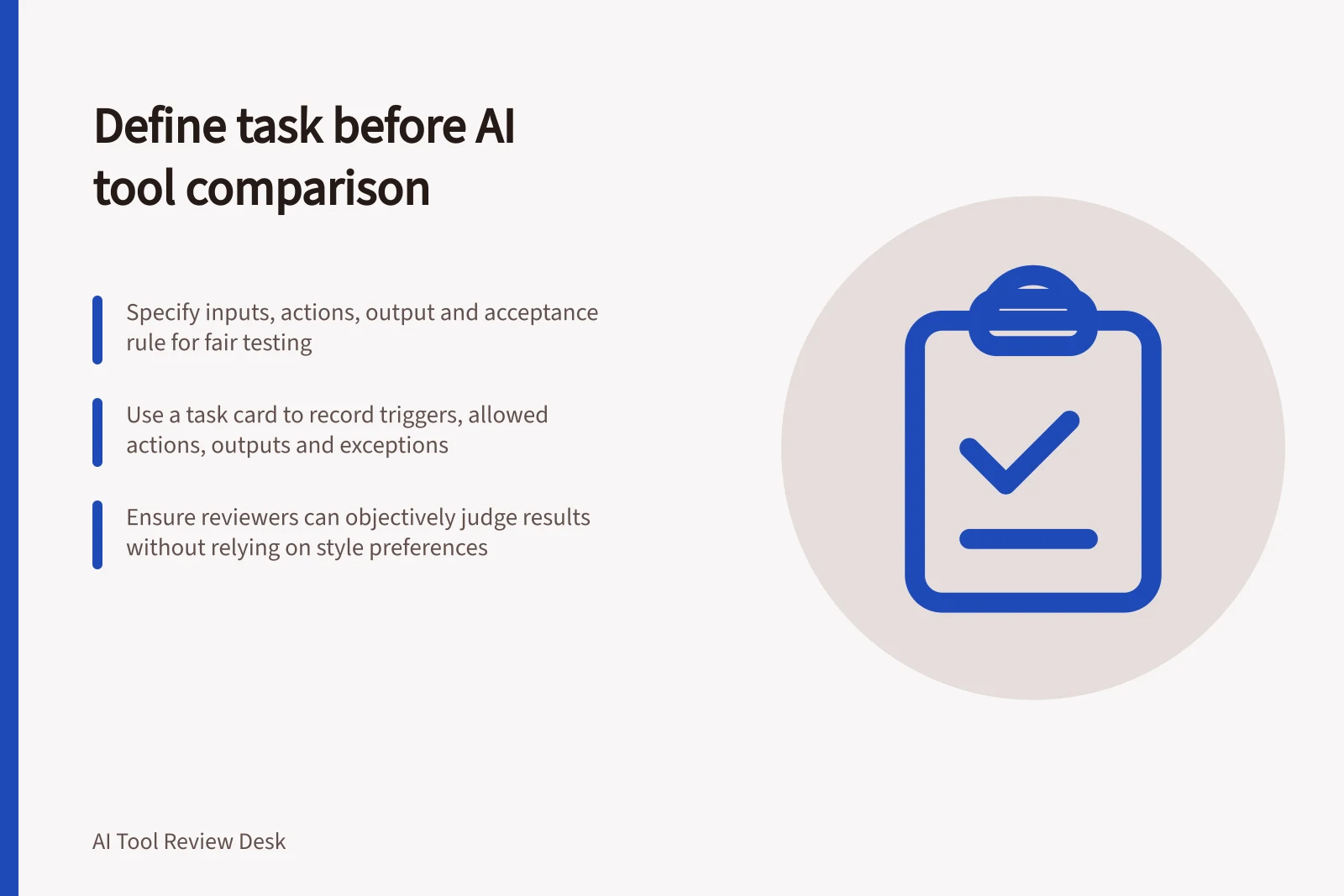
Turn a vague AI use case into a task card with fixed inputs, outputs, acceptance rules, exceptions and a human owner.
Before comparing AI tools, define the starting material, permitted actions, required output and acceptance rule. Another staff member should recognise the same unit of work and judge its result. Otherwise, each product may solve a different problem.
Guidelines from Australian authorities on AI use in business
- Business.gov.auEmphasises defining clear tasks and ensuring compliance with privacy laws when using commercially available AI products
- OAICProvides guidance on privacy obligations when using AI tools with personal information
- NIST AIRMFRecommends structured task definition to ensure consistent evaluation of AI systems
Describe one unit of work
Write a task statement in ordinary language: “Given these approved inputs, produce this output for this reviewer.” Name where the work begins and ends. In a hypothetical supplier enquiry, the unit might begin when a non-sensitive question arrives and end when a staff member has an approved draft response. Sending the response is a separate action requiring approval.
Specify what is included. A tool might receive the question and a current, approved information sheet. It should not be expected to infer an unpublished policy, open a restricted system or decide an exception unless those capabilities and permissions are part of the task. This boundary keeps the comparison from depending on an unstated extra step.
Write a task card
Record the information needed to repeat the work:
- Trigger:What starts it?
- Inputs:Which files, fields or instructions are supplied, and who may provide them?
- Allowed action:May the tool draft only, or may it retrieve information or change a record?
- Output:What must the next person receive?
- Acceptance:Which facts must be right, what may be edited and what makes the result unusable?
- Exception:What happens when an input is missing or an answer is unsupported?
- Owner:Who checks the result and approves the final action?
Record a version or date for changing source material. If one candidate receives an updated policy and another receives an old one, the comparison no longer isolates the tools’ behaviour.
Separate the task from the prompt
The task card states the business requirement. A prompt is one way to communicate it to a product. Keep the requirement stable while adapting interface instructions as needed, and record those adaptations. Count lengthy workarounds and manual preparation as part of the workflow.
Do not use “sounds helpful” as the acceptance standard. For the sample enquiry, an acceptable draft might use only the approved information, answer the question asked, identify missing detail and make no unsupported promise. A reviewer should be able to check each condition without relying on a writing-style preference.
Check that the task is suitable for a trial
Choose a task with a clear human owner, an acceptance rule and enough authorised examples to examine. A rare but consequential task may still deserve evaluation; frequency alone does not decide suitability.
If the real work relies on private customer records, assess whether the intended product and account may handle them before using those records. A trial with invented or otherwise authorised, non-sensitive material can check the workflow, but cannot prove performance on restricted data or privacy compliance.
If staff disagree about an acceptable result, settle the rule before scoring products. Once the task is stable, select work items that cover its ordinary and difficult cases.