Task Testing
Part of Evaluating AI tools for business tasks
Choosing and documenting an AI tool test set from real work
Select routine, varied and difficult work items for an AI trial, prepare an answer key and report results by case type.
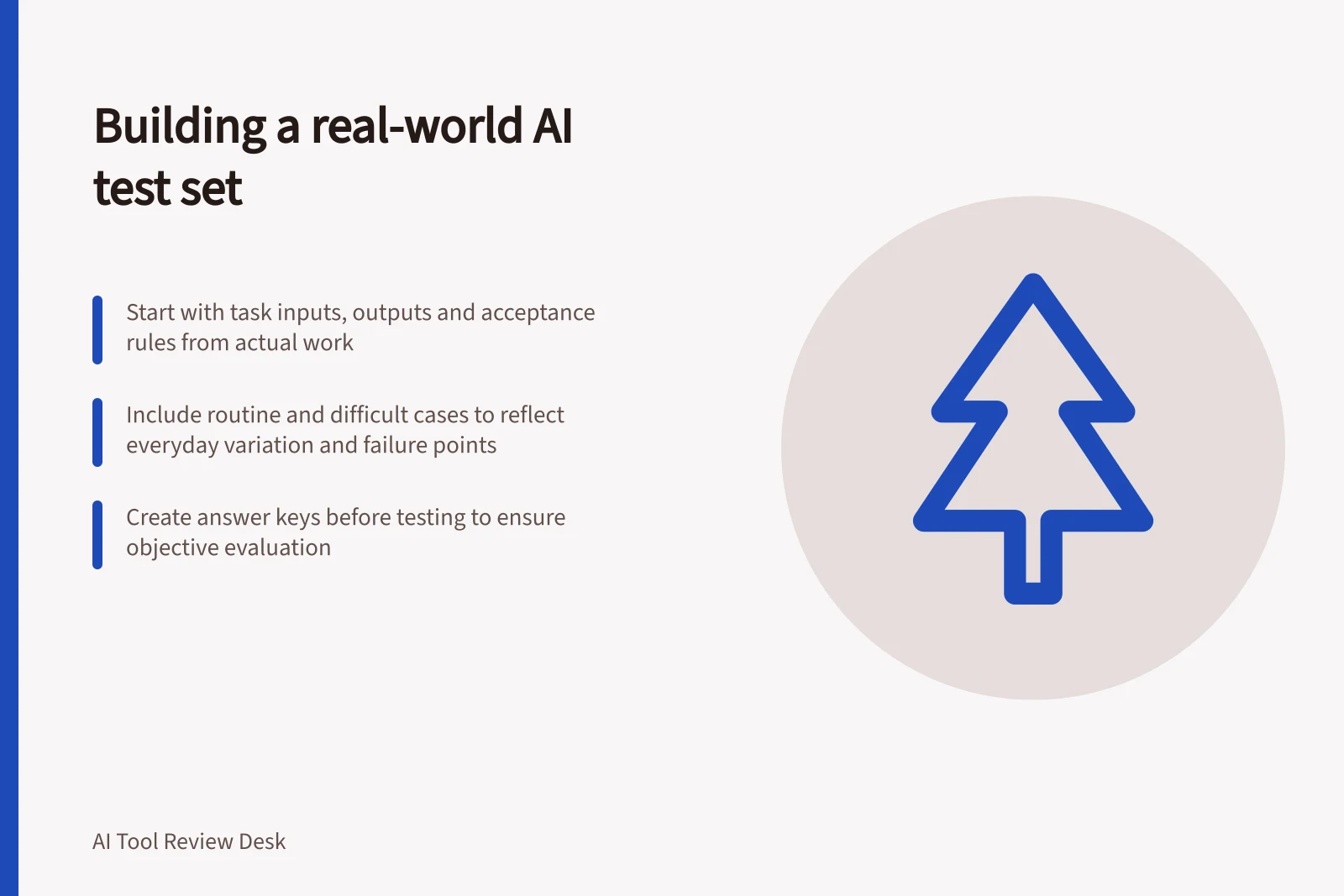
Start with the defined task, identify routine and difficult input patterns, then plan the segment mix before running any candidates.
For each item, record why it belongs in the set and store its expected result, or a clear reason a person must decide it.
Build the set before seeing candidate outputs so examples cannot be selected to favour one tool.
Steps to Build a Valid AI Tool Test Set
- Start with defined taskIdentify input, output, and acceptance rules.
- Collect real work patternsSelect from routine and difficult cases; avoid only clean or memorable ones.
- Build set before testingEnsure no selection bias based on candidate outputs.
- Create answer keyDocument expected results, sources, and acceptable alternatives.
- Preserve trial conditionsLog product, settings, prompts, and all attempts including failures.
Draw from the defined task
Start with the task's input, output and acceptance rule. Ask the people who do the work which patterns vary from item to item.
For incoming enquiries, variation might include a clear routine question, missing details, several questions in one message, outdated wording or a request for an exception.
Use those patterns to select examples from the work available for the defined task, rather than choosing only clean or memorable cases. Record why each item belongs in the set.
For each item, record an ID, source or fictional status, date selected, segment, reason for inclusion, permitted source, input or safe substitute, expected result and any ambiguity or required handover. Give the set a version and log additions, edits and retirements with their reasons.
Use real work patterns, but do not assume real records are safe to upload. Create fictional examples or use material specifically cleared for the intended tool while preserving the difficulty that matters.
Removing names alone may leave personal information or re-identification risk. Before using actual work records, check the OAIC's guidance on privacy and the use of commercially available AI products, and its material on de-identification and the Privacy Act.
Mark invented examples and document any later move to actual records cleared for the intended tool. Results from synthetic cases may not transfer to the live mix.
Key Considerations for AI Tool Test Set Design
- Use real work patterns
- Reflect actual input variations, including routine and difficult cases.
- Avoid real records without clearance
- Personal information may persist even after removing names; follow OAIC privacy guidance.
- Create fictional examples if needed
- Preserve difficulty while avoiding privacy risk; mark them as synthetic.
- Document all substitutions
- Record source, reason for inclusion, and any format changes made.
Include ordinary work and likely failures
Include routine items so the trial tests the work staff usually do. Include difficult cases so an overall score cannot hide where staff must intervene.
| Set segment | Reason to include it | What to inspect |
|---|---|---|
| Routine items | Show the standard workflow | Completeness and review effort |
| Common variations | Reflect differing inputs | Whether the same rule is applied correctly |
| Missing or conflicting information | Expose uncertainty | Clarification, restraint and handover |
| Consequential mistakes | Test the acceptance boundary | Whether the output is unsafe or an error could escape review |
Report results by segment. A single average can conceal failure on a small but important category.
For each segment, record the number of items and its share of the test set alongside its share of the intended workload. A deliberately challenging set can be useful even when it does not mirror day-to-day frequency.
Make an answer key before running candidates
For every item, store the permitted source, expected facts, required output and acceptable alternatives. Mark genuinely ambiguous inputs as ambiguous.
For example, an invented enquiry that omits a detail needed to answer should have an expected result of asking for that detail, not guessing.
If a reviewer must decide an exception, the expected tool behaviour may be to ask or escalate rather than produce a final answer.
Keep the expected result out of the candidate's prompt. Supply the source information that would be available during normal work, but do not supply the desired response merely to make the test easier.
Give candidates the same substantive information and log necessary format changes.
Test Set Preparation Checklist
- Define expected result for each itemInclude acceptable alternatives and ambiguity markers.
- Do not supply answer in promptOnly provide source material available in normal work conditions.
- Record permitted sources and format changesEnsure consistency across candidate runs.
- Mark ambiguous inputs clearlyExpected outcome should be clarification or escalation, not guesswork.
Preserve the trial conditions
Record the date, product, plan, settings, source version and prompt used for each run. Keep all attempts, including refusals, errors and outputs that need repair.
If staff refine instructions during exploration, set aside examples used for that refinement and evaluate the revised workflow on untouched items from the same task.
Have a reviewer check each output against its expected result and record correction time. Revisit cases after a product or source change.
Report which kinds of work the tool handled under the tested conditions, which needed review and which remain outside approval.