Writing Tools
Part of AI image and design tools
Evaluating text accuracy inside generated graphics
Use an answer key, transcription check and final-export review to catch wrong words, figures and conditions in generated graphics.
Treat words inside a generated graphic as unverified until they match approved copy. A plausible headline can hide a wrong price, missing condition or invented letters.
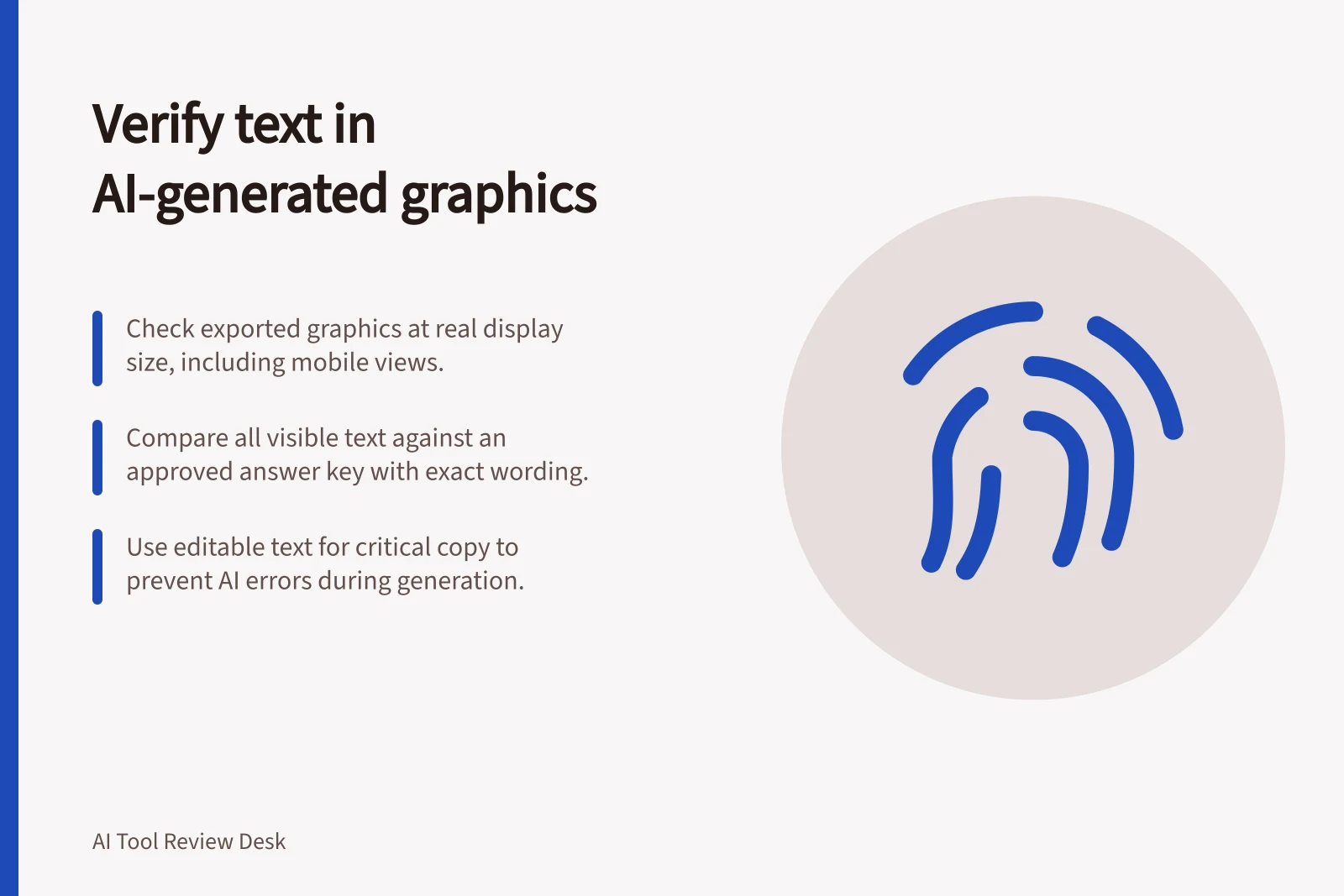
Check the final exported graphic at its intended viewing size. Correct errors in editable text where possible.
Prepare an answer key
For a hypothetical promotion, record the exact headline, product name, price, date, unit, condition and call to action before generating an image. Include punctuation and capitalisation where they affect meaning or brand requirements.
Identify any wording that may change, so a variation cannot quietly replace an approved claim. Keep every generated result, including failures.
If the normal workflow produces several options, record how many attempts were needed before one had usable text.
Check the words in three passes
Transcribe without looking at the prompt. Ask a reviewer to read every visible word from the graphic. Mark omissions, additions, spelling errors and substitutions. Remembered prompt wording can make an error easy to overlook.
Compare meaning with the answer key. Check that each number belongs to the right label and that offer conditions remain clear. In Australia, the ACCC accepts reports about possible misleading or false claims and can require businesses to back up claims they make about products or services.
Inspect the exported file. Read the graphic at its real display size, including the mobile version where relevant. Look for clipped lines, broken letters, weak contrast and text lost against the background. Reopen the export instead of relying on the editor preview.
Check how errors can be fixed
Generated lettering needs verification regardless of provider. Microsoft describes Designer as using generative AI to create images and add AI-generated text, so generated wording still needs to be checked. Ideogram's Canvas text tool lets a user place and format copy.
A design can be assembled with editable text and generated imagery. Where exact copy matters, place approved words as editable text over a suitable visual and inspect the export.
If a correction requires regenerating the image, record the extra attempts and check that another approved detail has not changed. Accept the graphic only when every required word and its meaning survive the final export.
Key facts about AI-generated text in graphics
- AI text needs verificationRegardless of provider, generated wording must be checked before use.
- Editable text over visualsUse approved editable text over generated imagery where exact copy matters.
- ACCC oversightThe ACCC can require businesses to back up claims made about products or services in Australia.