Writing Tools
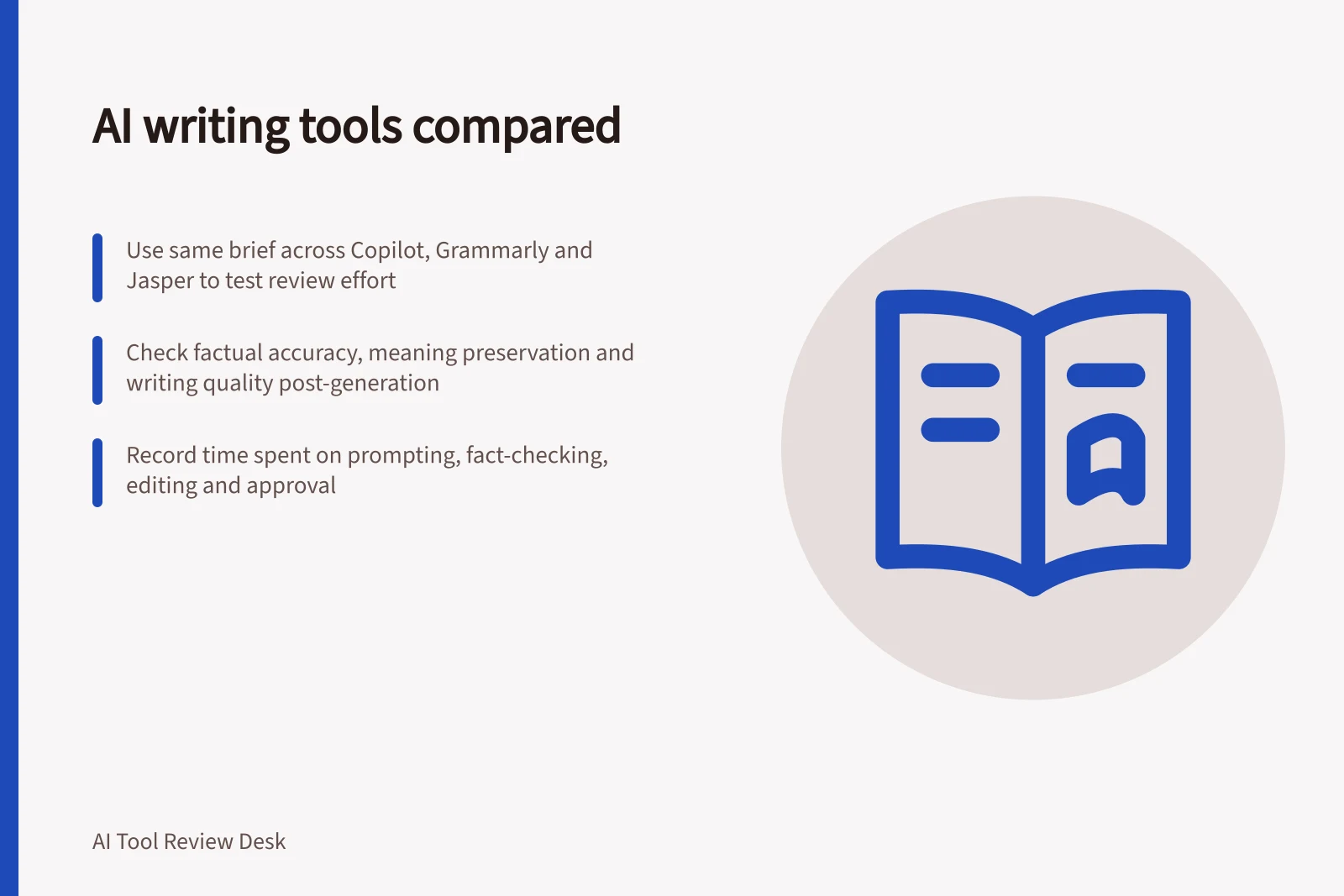
AI writing tools compared
Compare Copilot in Word, Grammarly and Jasper by writing task, documented limits, review effort and the quality of an approvable draft.
The useful result is a draft your team can approve after checking claims, fixing wording and completing the handover. Microsoft Copilot in Word, Grammarly and Jasper are three examples built around different writing workflows. Run the same approved brief through each and compare review effort and readiness for approval.
Decide what the tool must deliver
Name the output and its next reader. A staff email needs a different review from a product page or client report. Give every candidate the same approved facts, audience, tone and length range. State what may change and what must stay exact: names, figures, conditions, quoted wording and claim strength.
Compare results with your current writing process. Record preparation, prompting, fact-checking, editing and approval time, plus the quality of the first response. If a provider needs a different setup or input format, record that work too.
Three writing workflows to consider
Microsoft Copilot in Word: drafting within a document
Copilot in Word can draft from a prompt, outline, notes or available reference files. It can add material to the current document and rewrite selected text for tone or concision. Consider it when your team already develops and reviews copy in Word.
Use requires an eligible Microsoft 365 subscription or Copilot licence. Features may depend on the licence, organisation settings, app version and device; some experiences are still rolling out.
In the documented Word workflow, Copilot can draft or update the current document but cannot create a separate new Word file. Copilot can generate content with citations to referenced sources. Check the account and document handover your team would use.
Grammarly: suggestions and targeted rewrites
Grammarly offers on-demand help to compose or rewrite selected text in supported applications. Its Paraphraser agent gives paragraph-level suggestions a writer can accept, dismiss or undo. Consider it when the main job is improving existing copy in the writer’s usual workflow.
Paraphraser availability depends on the plan and editing surface. Grammarly lists it in Superhuman Go and docs for Pro and Plus users, limited daily suggestions for Free users, and access through docs for Business, Enterprise and Education users, subject to administrator controls.
Check the surface your staff would use; a suggested rewrite still needs a meaning check.
Jasper: repeated content using brand context
Jasper’s Help Center documents Brand Voice and Knowledge Base features. For a repeat drafting task, check current documentation for both features against your required setup and plan before including Jasper. If the documentation does not confirm a fit, leave Jasper out of that task’s trial rather than assume the features support it.
Brand consistency does not establish factual accuracy.
Copilot in Word: In Word, point Copilot to a specific reference file by typing “/” and choosing the file, if available. After selecting Generate, review the draft and keep it, discard it, regenerate it or refine it with a follow-up prompt.
Copilot in Word: Model choice can affect the workflow. Depending on subscription and availability, options may include Claude Sonnet or Claude Opus. Auto suits users who are unsure; a selected model remains active until changed or the session ends.
Copilot in Word: If the brief requires an exact word count, Copilot may estimate or shorten the text, but Microsoft says to use Word’s built-in Word Count feature for an exact count. Exact-length handover is therefore a separate check from assessing whether the draft is useful.
Grammarly: Grammarly’s Paraphraser offers six preset styles: Humanise, Academic, Professional, Streamlined, Creative and Simple. A trial can use the style that matches the task, while the writer keeps acceptance or dismissal of each suggestion.
Grammarly: A team can create a Grammarly custom voice by naming it and adding writing examples. The saved voice appears among the available styles, and voice profiles are shared across the Paraphraser and Humanizer agents.
Grammarly: For on-demand composition or rewriting, Grammarly lists its browser extension for Chrome and Edge, the classic Grammarly Editor, and its Windows and Mac applications. Its generative AI is also available on Android and iOS, so compare the surface the intended writer will actually use.
Grammarly: For Editor-based work, check file compatibility before choosing a workflow: uploads can be up to 100,000 characters and 4 MB, and supported formats include Word, OpenOffice, .txt and .rtf. PDF, LaTeX and Markdown files are not supported there.
Compare the finished work
Use a small set of authorised briefs: a new draft, an edit of rough copy and a brief with a qualification that must survive. Record the plan, feature, source version, instructions and date for each attempt.
| Question | What to inspect |
|---|---|
| Is it correct? | Check factual claims against approved sources, including additions and missing qualifications. |
| Does it preserve meaning? | Look for changed obligations, dates, amounts, certainty and attribution. |
| Is the writing better? | Judge clarity, audience fit and useful length after the other checks. |
| Can the team use it? | Count checking, editing, reformatting and approval work. |
A polished paragraph with a wrong condition fails. Retain failed outputs and the corrections they required; choosing only the nicest draft hides review effort.
Before entering customer, staff or other personal information, check the OAIC’s privacy guidance and your organisation’s rules for commercial AI products.
An authorised, non-sensitive brief is a starting point for comparison, but its results do not establish how a product will perform with restricted material.
Choose for a defined task and account, with a person responsible for final approval. Revisit the decision when the product, plan, source material or writing task changes.
Performance Metrics to Track When Comparing AI Writing Tools
- Factual Accuracy Rate
- Percentage of claims matching approved sources
- Meaning Preservation Score
- Number of critical elements unchanged (e.g., dates, conditions, obligations)
- Review Effort (Time)
- Average minutes spent checking, editing and approving each draft
- First Draft Readiness
- Percentage of drafts ready for approval without major revision
In this guide
- Testing factual accuracy in AI writing outputsBuild an answer key, verify each claim and qualification, and report consequential factual errors in AI-generated writing.
- Comparing editing quality without rewarding longer answersUse a fixed brief, meaning gates and repair effort to compare AI edits without giving extra credit for longer answers.
- Checking whether a writing tool preserves the source meaningCompare source and rewrite for changed actors, certainty, conditions, attribution and missing propositions before approving AI-written copy.