Cost & Limits
Part of AI tool integration
Reviewing the effort needed to replace an AI vendor
Inventory records, prompts, mappings, permissions and approvals to estimate the work of moving an AI workflow to another vendor.
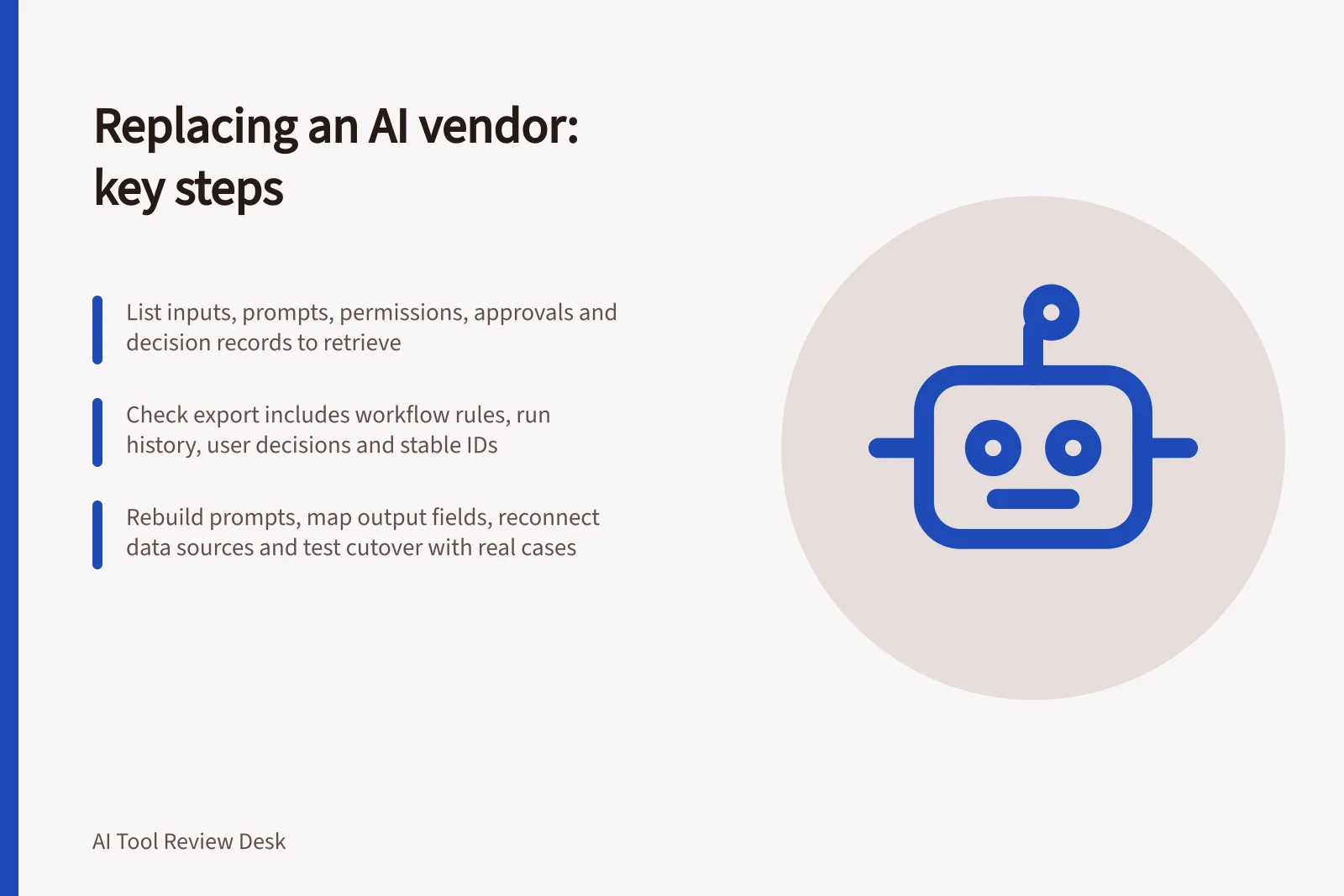
Estimate replacement effort by listing what must be retrieved, rebuilt and checked before retiring the old route. A file export is only part of the work. Prompts, field mappings, permissions, approvals and the basis for earlier decisions may also need attention.
Inventory the dependency
Choose the task supported by the vendor. List its inputs, source material, prompts, output fields, workflow rules, connected accounts, reviewers and destination records. For each item, name the system holding the authoritative copy. Include corrections and failed runs if the business needs them to explain past decisions.
In a fictional enquiry workflow, the business might keep the original message and approved category in its case system, while the AI service holds only a draft suggestion. That would reduce what must be recovered from the AI service. If an approved decision exists only in a vendor workspace, retrieving it becomes a larger part of the move.
Data Required from AI Vendor vs. Internal Systems
- Original message and approved category
- Held in case system (Australia-based CRM)
- Draft suggestion
- Held only in AI service (e.g., OpenAI)
- User decisions and corrections
- Stored in business records; may require export from vendor workspace
- Workflow rules and approvals
- Partially held in AI platform; partially in internal governance system
Check the exports available to this account
Ask for a sample export from the intended product and plan. Check whether it includes records or conversations, workflow definitions, run history, attachments, user decisions and stable identifiers. Open it elsewhere and inspect what its fields mean. Data held in connected apps may require separate exports.
Key Data Points for Vendor Transition
- Export includes workflow definitions
- Yes
- Attachments included
- Yes (if stored in Zapier)
- Stable identifiers provided
- Yes (Zap ID, trigger ID)
- User decisions exported
- No (requires manual audit)
Estimate the rebuild
Dependency / Work to estimate
- Prompts and instructions
- Adapt them to the new interface and check their meaning
- Output fields
- Map names, types, missing values and downstream rules
- Source access
- Reconnect approved data and check permissions
- Human approval
- Recreate the stop point and escalation route
- Historical records
- Retrieve and interpret what the business must keep
- Failure recovery
- Rebuild retry rules, duplicate prevention and fallback
An API-backed route can require application work alongside a new model. OpenAI's function-calling documentation assigns execution of a requested function to the application. If that application changes business records, check both the new model output and the application's action rules. A structured schema match does not establish equivalent business meaning across vendors.
Check the cutover plan
Propose an exercise using the same authorised, non-sensitive cases on the old and replacement routes. Compare approved results, corrections and destination records. Include an unavailable source, an incomplete or refused response, and a repeated item. Where the contract and operations permit, keep the old route available until the new handover and recovery path have been checked.
Estimate effort by component, including export, interpretation, rebuild, permissions, staff training, any parallel operation and cutover. Record uncertainty instead of inventing hours or costs. The decision is ready when the business knows which records it can retrieve, which controls need rebuilding and who will confirm that the receiving process still works.