Task Testing
Part of AI tool reliability
Checking how a tool handles a failed request
Trace an AI request failure through diagnosis, safe retry, account fix or human takeover, and check the final state of work.
Check a failed AI request by tracing the work item to a known state: completed, safe to retry, waiting for an account fix, or owned by a person. An error message alone does not show whether the business task finished. Repeating an uncertain request may also duplicate a downstream action.
Set a safe test boundary
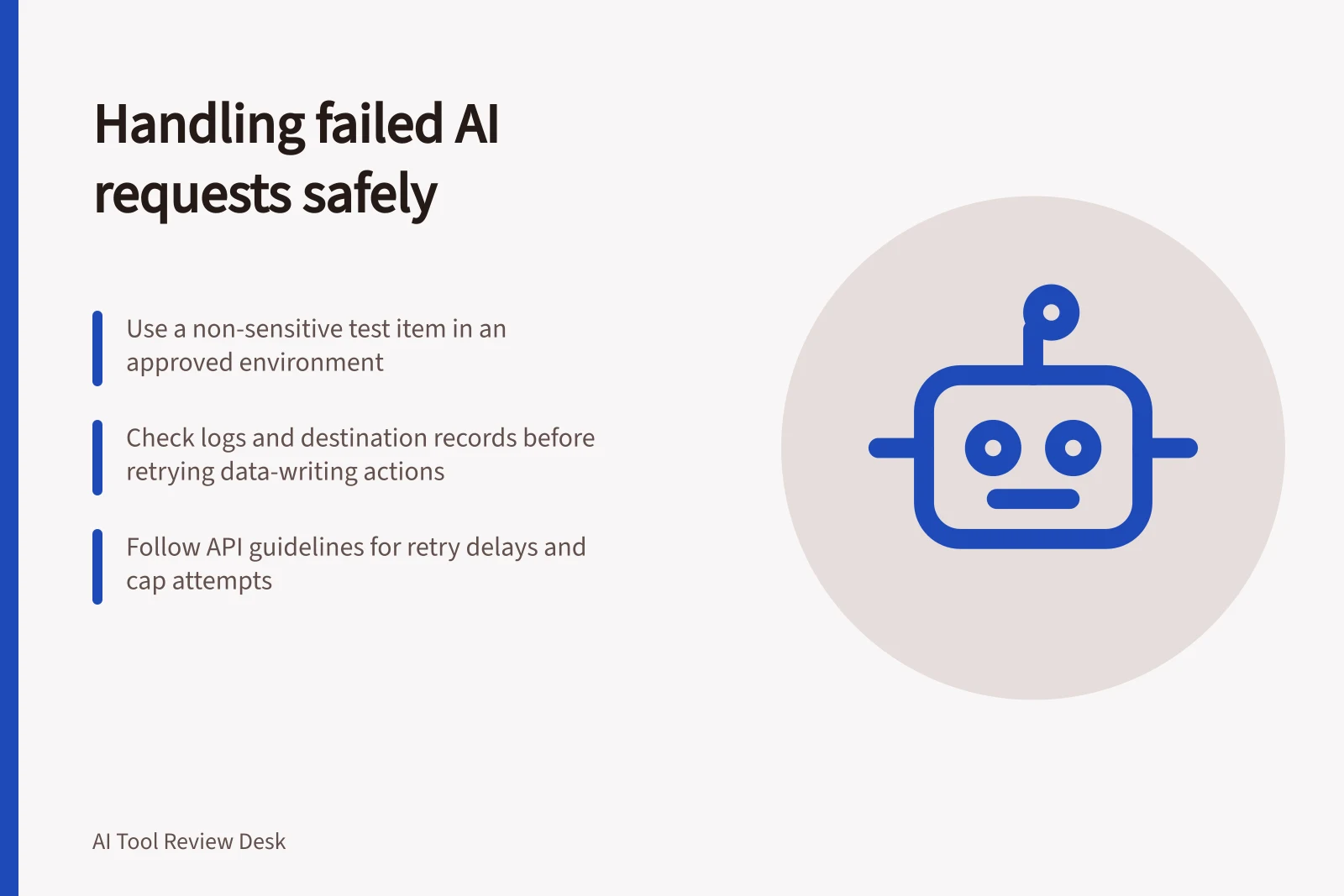
Use an invented, non-sensitive item in an approved test environment. Do not interrupt a live service to manufacture a failure.
Record the request, its deadline, any action it could trigger and the identifier linking it to the original work item. Decide what staff or a customer should see if no result arrives.
Examine failures the intended route could encounter: rejected input, a rate or usage limit, a temporary server error, a timeout and an unavailable connected system. Their remedies differ. Correct malformed input; refer an exhausted balance or enforced limit to the account owner; consider a delayed retry for a temporary problem when the deadline allows it.
OpenAI's API error guide lists several causes for a 429 response, including rate, credit, spending and usage limits. The response message and code determine the next step; repeating a request will not refill a balance.
Error Types and Recommended Actions
- Error TypeInvalid Input
- Recommended ActionCorrect the input; do not retry without fixing the cause.
- Error TypeRate Limit (429)
- Recommended ActionWait for the limit to reset; retry only after delay specified in response.
- Error TypeTemporary Server Error
- Recommended ActionDelay retry based on error guidance; avoid immediate repetition.
- Error TypeUnavailable Connected System
- Recommended ActionEscalate to account owner or manual review; do not auto-retry.
Trace the request to a final state
For each safe case, keep the original request, response or timeout, available request identifier, elapsed time, retry instruction, next action and final business state. If the connection drops after submission, the client may not know whether the provider received the request. Check available logs and the destination record before repeating an action that writes data.
Question / Operational check
- Can staff locate the item?
- A clear status and original-item identifier remain available
- Is retry justified?
- The cause, supplied delay and deadline support it
- Could work be duplicated?
- The destination is checked before another write
- Who takes over?
- An owned queue or person receives the unfinished item
- What does the user see?
- An accurate status and reachable next step
A duplicate draft may be inconvenient. A duplicate ticket or order change can affect a business record. Confirm the downstream action separately before marking the work complete.
Judge recovery
Google's documented generative API errors distinguish invalid requests, permission failures, resource exhaustion, server errors and temporary unavailability. Its retry advice is limited and delayed for relevant errors. Use the documentation and settings for the exact product, follow a supplied retry delay where relevant, cap attempts and move the item to an approved fallback before its deadline.
Measure time from the first request to a usable outcome, including investigation and human takeover. Keep failed cases in the record. A refusal may be appropriate when an input is outside scope; a silent failure or false completed status is not. State which failures the proposed process can handle and which need a human-owned exception route.