Pilot Programs
AI customer-facing assistants
Assess customer-facing AI assistants by approved answers, human handoff, unavailable questions and careful review of conversations.
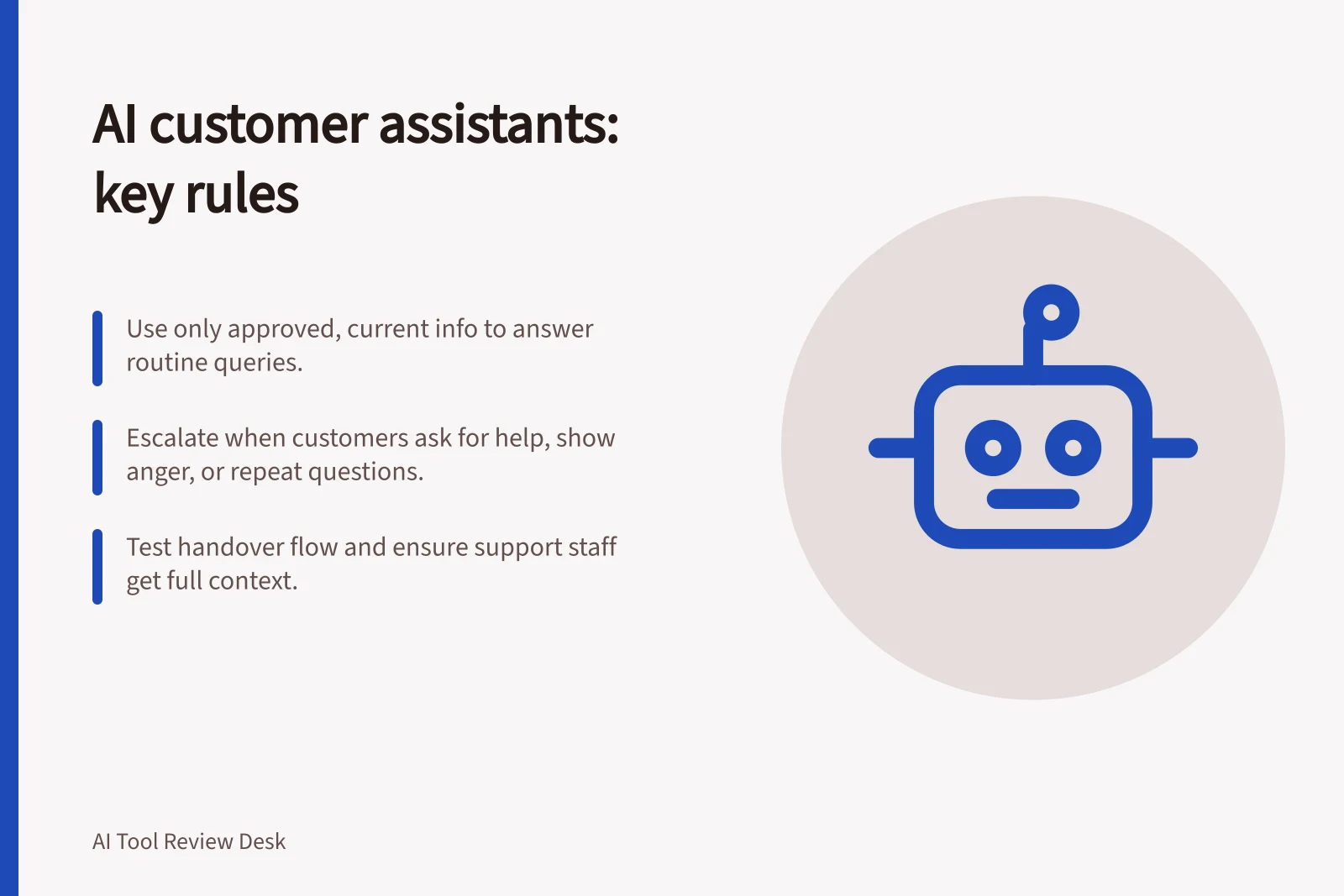
A customer-facing AI assistant works only within a service the team can support. It needs current, approved information for routine questions, a clear path for questions it cannot answer, and a working route to a person. Judge the whole customer journey, not just the first reply.
Define its job
Start with a narrow task, such as explaining published delivery terms or helping customers find a support article. Decide which questions it may answer, which need account verification and which need a person. Assign an owner to each policy it uses. An answer drawn from an obsolete page is still wrong.
Tell customers when they are dealing with AI and how to reach a person. Before you connect customer records or invite sensitive details into a conversation, assess how personal information will be handled.
Compare the available routes
| Route | What to examine | Material limit |
|---|---|---|
| Intercom Fin | Support content and data used for replies, escalation rules, and workflows that route a conversation after escalation. | In chat, Fin offers human handoff in text. Without a human routing target, it does not offer that escalation. |
| Zendesk AI agents | Connected help centres or external knowledge sources, search rules that narrow sources, and messaging handoff through the account’s routing flow. | A generative knowledge reply requires a connected source. External knowledge reflects its last sync. Search rules, restricted content and routing need the relevant account configuration; some documentation excludes older AI agents – Advanced purchases. |
If the team already uses one platform, examine that route in the intended channel first. Compare candidates against the same approved questions and the same required handoff. Feature lists alone cannot show staffing savings or a universal winner.
Test escalation behaviour
Fin is designed to escalate when a customer clearly asks for a person, appears strongly frustrated or angry, or becomes stuck in a repetitive loop. In the frustration and anger scenario it may try to resolve the issue before escalating. Escalation guidance and rules can add to or override the default behaviour, so test the configured experience rather than relying on default settings.
Fin may offer a handover when someone asks how to contact support, uses “agent” or “support” without being clear, or repeats themselves across three turns. It can make an offer more than once, but not twice consecutively; if another offer would immediately follow, it escalates instead. Check how these cases read to customers, and whether your team wants to offer a choice or transfer straight away.
Key AI Assistant Escalation Triggers and Behaviours
- Escalates when customer asks for a person
- Yes
- Escalates on clear frustration or anger
- Yes, but may attempt resolution first
- Escalates after repetitive loops
- Yes, after three turns
- Can offer handover more than once?
- Yes, but not twice consecutively
Check language and hosting fit
Fin supports and is optimised for multiple languages, including English, Arabic and Japanese. Intercom says its ability to generate answers in languages outside its listed set is unpredictable, regardless of the language of the support content. Test the languages your customers actually use, including the wording of refusals and handover messages, before enabling those conversations.
An AU-hosted Intercom workspace can use Fin, but Intercom states that Fin data processing for AU workspaces is currently US-based, with regional data hosting coming soon. Treat hosting and processing location as a service-fit question to resolve before choosing that route.
Pros and Cons of AU-Hosted Intercom Fin with Current Data Processing
- Pros
- Supports multiple languages including English, Arabic, Japanese; AU-hosted workspace available
- Cons
- Data processing currently US-based despite AU hosting; regional data hosting pending
Check what customers actually receive
Create an answer key from current policies. Include ordinary questions, superseded wording, requests for exceptions and questions with no approved answer. For each response, compare every customer-visible claim with the approved material and check whether restricted information appeared. A connected source does not prove the reply stayed within it.
Follow an unresolved request through to a person. Check where it goes, what context arrives, what the customer is told and what happens outside staffed hours. An appropriate refusal is of little use if the customer is left without a reachable next step.
Review a limited set of conversations for unsupported answers, unresolved requests, unnecessary transfers and repeated confusion. Give reviewers only the access needed for their task, and use aggregate patterns where message text is unnecessary. When source material changes, recheck the affected questions. Limit any initial deployment to the question types, channels and customer groups examined.
Check what happens after handover
In Zendesk messaging, handing a conversation to a live agent removes the AI agent as first responder, and the agent remains first responder until the associated ticket is closed. A customer who returns while the ticket is still marked Solved may find the previous conversation active and be unable to start a new one for another request. Include a returning-customer scenario in your handover test.
Zendesk’s default automation closes a ticket four days after it is set to Solved. The account can change that timing, including to within the following hour or to as long as 28 days. Check whether the chosen interval matches how quickly customers may return with a different issue, and confirm that the AI agent becomes first responder only when the ticket reaches Closed.
Conversation Lifecycle After Handover in Zendesk
- AI agent removed as first responder upon handoverAgent remains first responder until ticket is closed
- Customer returns while ticket is SolvedPrevious conversation may remain active; new request blocked
- Default ticket closure timingFour days after Solved status; adjustable up to 28 days
- AI agent reinstated only when ticket is ClosedEnsures proper state management for new interactions
In this guide
- Testing whether an assistant stays within approved informationBuild an answer key and test public, restricted, outdated and absent information before an AI assistant replies to customers.
- Comparing human handoff optionsCompare live transfer, queued follow-up and human review by tracing a customer request through routing and the first useful human reply.
- Checking failure behaviour when an answer is unavailableTest absent knowledge, unclear questions and technical failures to see whether a customer assistant admits limits and provides a useful next step.
- Reviewing conversation logs without exposing customer dataUse aggregate patterns, limited access and carefully prepared excerpts to review AI assistant conversations while reducing customer-data exposure.